What Is a Security Control? More Than Just a Firewall
Someone in a meeting says, "We have controls in place for that."
Everyone nods. Nobody asks which controls.
That moment happens in security conversations constantly, and it is a good reason to slow down and ask a basic question. What is a security control, and how would you know whether one is actually doing its job?
What a Security Control Is
A security control is something you put in place to reduce risk.
NIST, the U.S. National Institute of Standards and Technology, describes a security control as a safeguard or countermeasure prescribed for a system or organization to protect the confidentiality, integrity, and availability of the system and its information.
Those three words show up everywhere in security, so here is the short version:
- Confidentiality: only the right people can see the information.
- Integrity: the information is accurate and has not been changed improperly.
- Availability: the information and systems are there when people need them.
A control exists to protect one or more of those things.
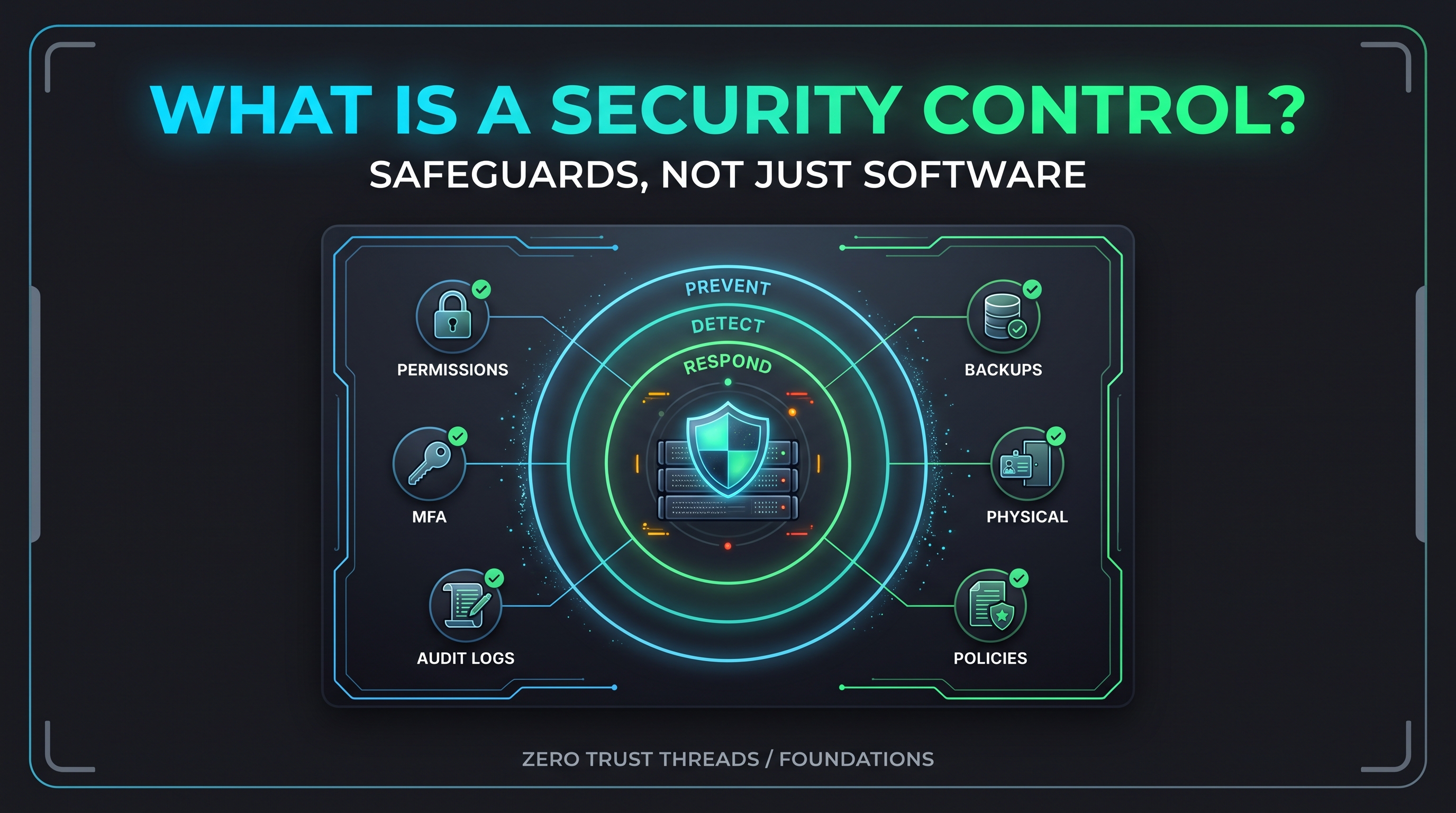
The important part of the definition is how broad it is. A control is not only a piece of technology. It can be a rule, a habit, a lock on a door, or a setting on a server.
Controls Come in Many Shapes
Here are a few everyday examples:
| Control | What it protects |
|---|---|
| File permissions on a Linux server | Confidentiality and integrity of files |
| Multi-factor authentication (MFA) | Accounts, even when a password is stolen |
| Log collection | Your ability to see what happened |
| A tested backup | Availability after something goes wrong |
| A policy requiring approval for admin access | Accountability and least privilege |
| A locked server room | Physical access to hardware |
| Security awareness training | People making safer decisions |
Notice the mix. Some of these are technical settings. Some are written rules. Some are physical. Some depend on people.
That is why "do we have a control for that?" is a better question than "do we have a tool for that?"
If you have read The Tool Isn't the Strategy, this will sound familiar. Tools can implement controls. They are not automatically the same thing.
One Useful Way to Sort Controls: What Job Do They Do?
Controls are organized in many ways. NIST Special Publication (SP) 800-53, the large catalog of security and privacy controls, groups them into families by topic, such as access control, audit and accountability, and incident response.
For a beginner, a simpler lens is to ask what job the control does:
Prevent. It tries to stop something from happening.
Example: file permissions that stop a regular user from reading a sensitive file.
Detect. It helps you notice when something happens.
Example: authentication logs that record failed logins.
Respond and recover. It limits damage and gets you back to normal.
Example: a tested restore process after a system fails.
This is a practical way to think, not an official NIST taxonomy. It does line up roughly with the Protect, Detect, Respond, and Recover functions in the NIST Cybersecurity Framework (CSF) 2.0.
Why bother sorting them? Because a gap becomes easier to see.
A team with plenty of preventive controls and no detection has a blind spot. A team with great monitoring and no recovery plan has a different one.
How Controls Connect to Risk
Controls do not exist for their own sake. They exist because of risk.
In Vulnerability, Threat, and Risk Are Not the Same Thing, the idea was that a vulnerability is a weakness, a threat is a potential source of harm, and risk is the potential for adverse consequences considering likelihood and impact.
A control is what you put between those ideas and the consequences.
A weak password policy is a weakness. MFA is a control that reduces the consequences if a password is compromised. Notice the wording: reduces, not removes.
Controls lower risk. They rarely erase it. Whatever remains is the risk someone has to understand, own, and sometimes accept, which is the point of Risk Accepted.
Common Misconceptions
"A control is a product."
A firewall product is not a control until it is configured, placed, and maintained to do a specific job. A control is the protective outcome, and a product may or may not deliver it.
"If we have it, it works."
This one catches beginners and professionals alike.
A control can exist and still do nothing. A firewall can be installed and switched off. A log can be written and never read. A backup can run nightly and fail to restore.
You will try this yourself in the exercise below.
"More controls means more security."
Not automatically. Controls that nobody owns or tunes create noise, friction, and false confidence. More Alerts Don't Mean Better Security covers the detection side of this problem.
"One strong control is enough."
Any single control can fail, be misconfigured, or be bypassed. Layering different kinds of controls means one failure does not become the whole story.
"Controls are only for compliance."
Frameworks and audits use controls, but the purpose is practical. Controls are how an organization turns "we should be careful" into specific, repeatable protection.
Practical Exercise: A Control Check on Your Lab VM
This exercise is read-only. It only looks at settings and does not change anything.
Use the Ubuntu Server VM from Your First Ubuntu Server: A Beginner Home Lab Project, or any Linux system you own. Only run these on a system you are authorized to use.
1. Check a preventive control: file protection
stat -c '%A %U:%G %n' /etc/shadow
On Ubuntu you will typically see something like:
-rw-r----- root:shadow /etc/shadow
This file stores password hashes. The permissions mean regular users cannot read it. That is a preventive control. Exact output can vary by release, so compare against your own system.
2. Check a control that may not be doing anything yet: the firewall
sudo ufw status verbose
Ubuntu includes the Uncomplicated Firewall (ufw), but it is disabled by default. On a fresh server you will probably see:
Status: inactive
That is the lesson. The tool is present. The control is not active.
Do not enable it yet if you connect to the VM over Secure Shell (SSH). If you turn on a firewall without allowing SSH first, you can lock yourself out. We will cover that safely in a future lab.
3. Check a detective control: who has logged in
last -n 5
This shows the five most recent logins. It is a small window into the kind of evidence logs provide. If you want a refresher, see Logs Are Just Systems Telling You What Happened.
4. Fill out a small table
For each of the three, write down:
| Control | Job (prevent, detect, respond) | Is it working? | How do I know? |
|---|---|---|---|
File permissions on /etc/shadow |
|||
| Firewall (ufw) | |||
| Login history |
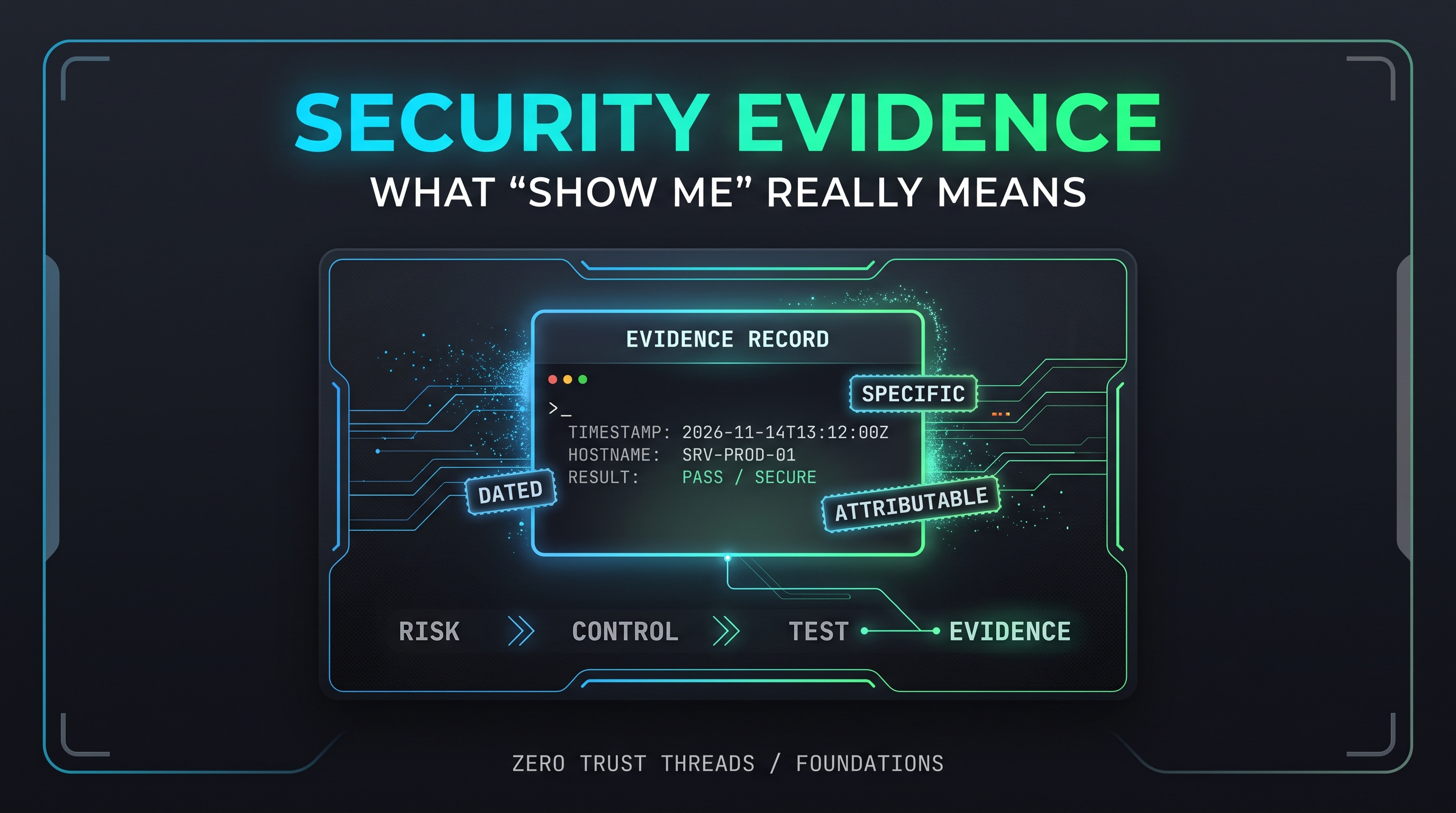
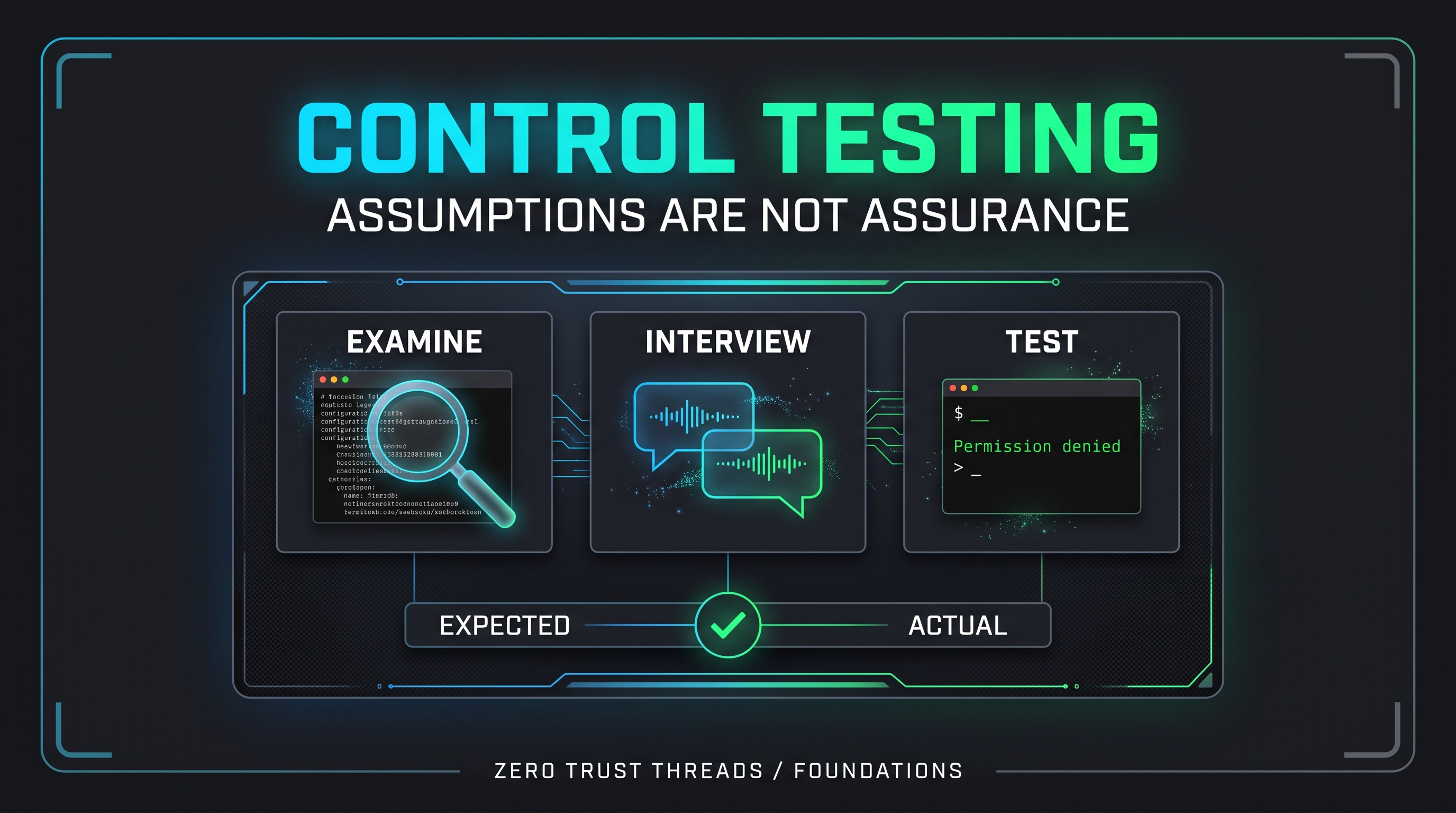
The last column matters most. "I assume so" is not an answer. "I checked this command and saw this result" is.
Key Takeaway
A security control is any safeguard that reduces risk, and it can be technical, physical, or procedural.
Having a control is not the same as having a working control. The useful habit is to always ask what it does, who owns it, and how you would know it is working.
Verified References
- NIST Computer Security Resource Center, Glossary: Security Control. https://csrc.nist.gov/glossary/term/security_control
- NIST SP 800-53 Rev. 5, Security and Privacy Controls for Information Systems and Organizations (current release 5.2.0). https://csrc.nist.gov/publications/detail/sp/800-53/rev-5/final
- NIST Cybersecurity Framework (CSF) 2.0, NIST CSWP 29. https://doi.org/10.6028/NIST.CSWP.29
- Ubuntu Server documentation, Firewalls (ufw is disabled by default). https://documentation.ubuntu.com/server/how-to/security/firewalls
- Ubuntu manual page, shadow(5). https://manpages.ubuntu.com/manpages/bionic/man5/shadow.5.html
About the author
- Zero Trust Threads is a cybersecurity media and lifestyle brand focused on making cybersecurity, Linux, networking, GRC, and tech culture approachable through practical projects, real-world learning, and a little humor. Trust nothing. Learn everything.
Comments
Join the discussionNo comments yet. Be the first to comment.
Zero Trust Threads Foundations
Cybersecurity does not have to be learned all at once. Zero Trust Threads Foundations breaks down essential cybersecurity and IT concepts into approachable, practical lessons for beginners. Learn the fundamentals of HTTP security, home labs, Linux, logs, defensive security, and more while building the knowledge needed for hands-on learning.