Control Testing: How Do You Know a Control Actually Works?
A policy says admin access requires approval.
A diagram shows a firewall between two networks.
A dashboard says backups succeeded.
All three sound reassuring. None of them proves the control works the way people think it does. Control testing is how you find out.
What Control Testing Is
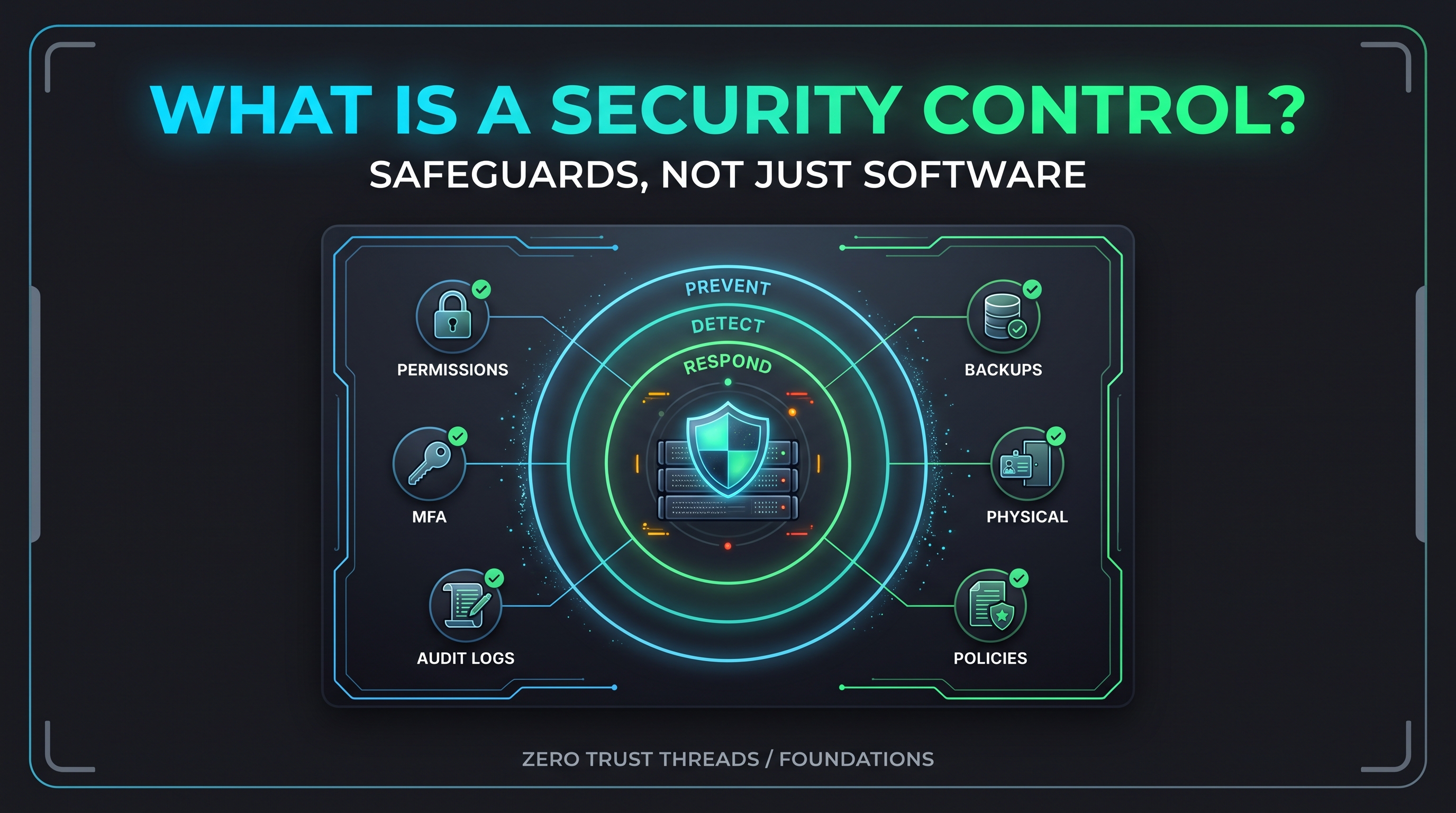
Control testing is checking whether a control is implemented correctly and actually doing its job.
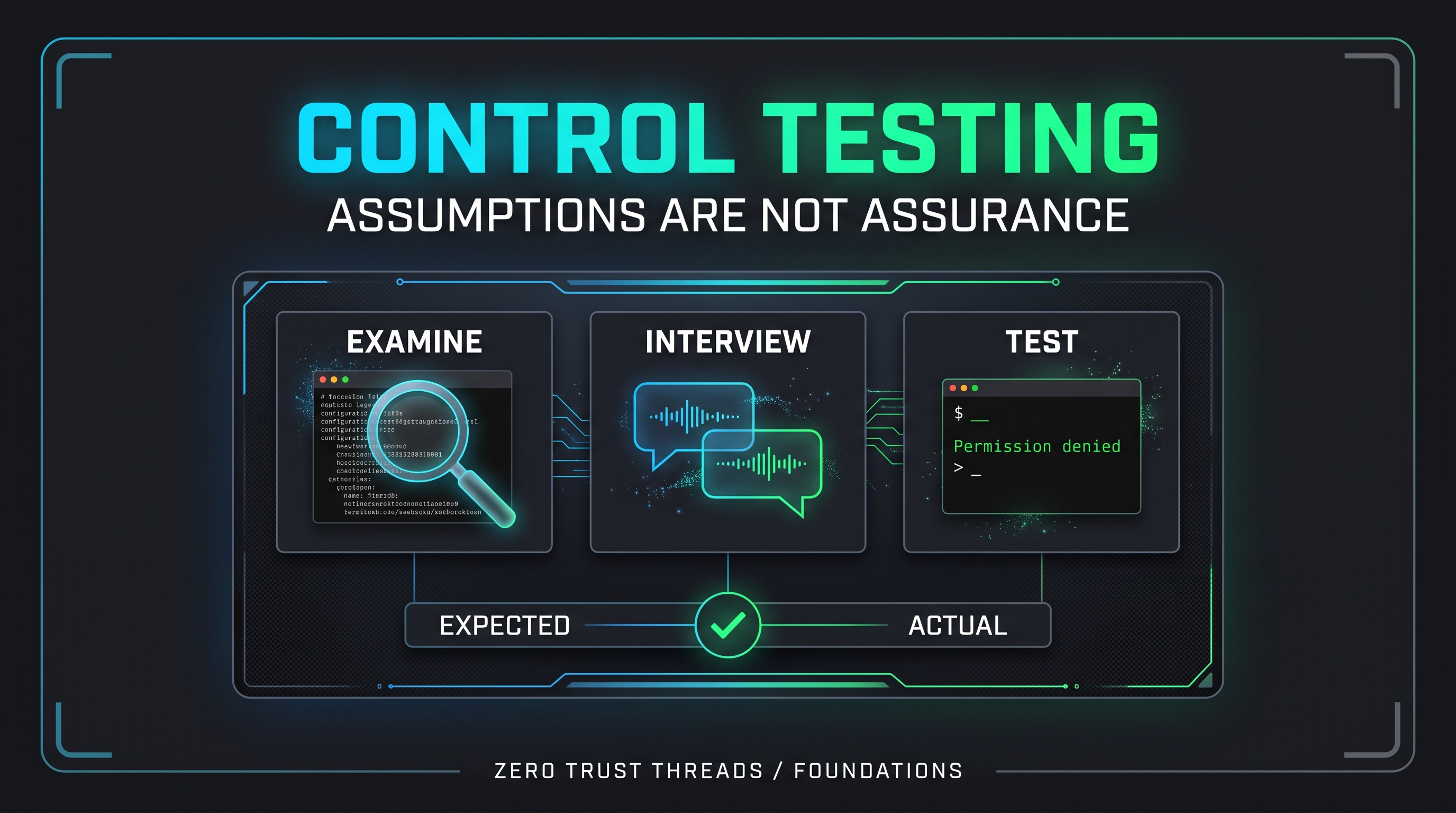
NIST Special Publication (SP) 800-53A, the companion to the SP 800-53 control catalog, provides assessment procedures for this. It describes three assessment methods:
- Examine: review documents, configurations, and records.
- Interview: talk to the people who run or use the control.
- Test: exercise the control and compare what happens to what should happen.
NIST also notes that not every procedure uses all three methods. The method should fit the question being asked.
The Three Methods in Plain Language
Take a control like "only approved people can log in to the server over SSH."
Examine: read the SSH configuration and the list of authorized accounts.
Interview: ask the administrator how new accounts are approved and removed.
Test: try to log in with an account that should not have access, and see what happens.
Each gives different evidence. A written policy might say one thing, the configuration another, and the actual behavior a third. Testing is how you catch the difference.
Does It Exist, and Does It Work?
In audit practice, people often separate two questions:
- Is the control designed and put in place properly?
- Does it operate as intended, consistently, over time?
These terms are common in audit work, though they are not defined by SP 800-53A itself.
A control can be well designed and never actually run. Or it can run every day and be designed so poorly it catches nothing.
Think of A Backup Is Not a Recovery Plan. A backup job that reports success is a design and configuration fact. A successful restore is a test.
What Good Testing Looks Like
It is specific. "Verify logging works" is vague. "Confirm a failed sudo attempt appears in the system journal" is testable.
It has an expected result. You need to know what success looks like before you start.
It compares expected and actual. The gap between them is the finding.
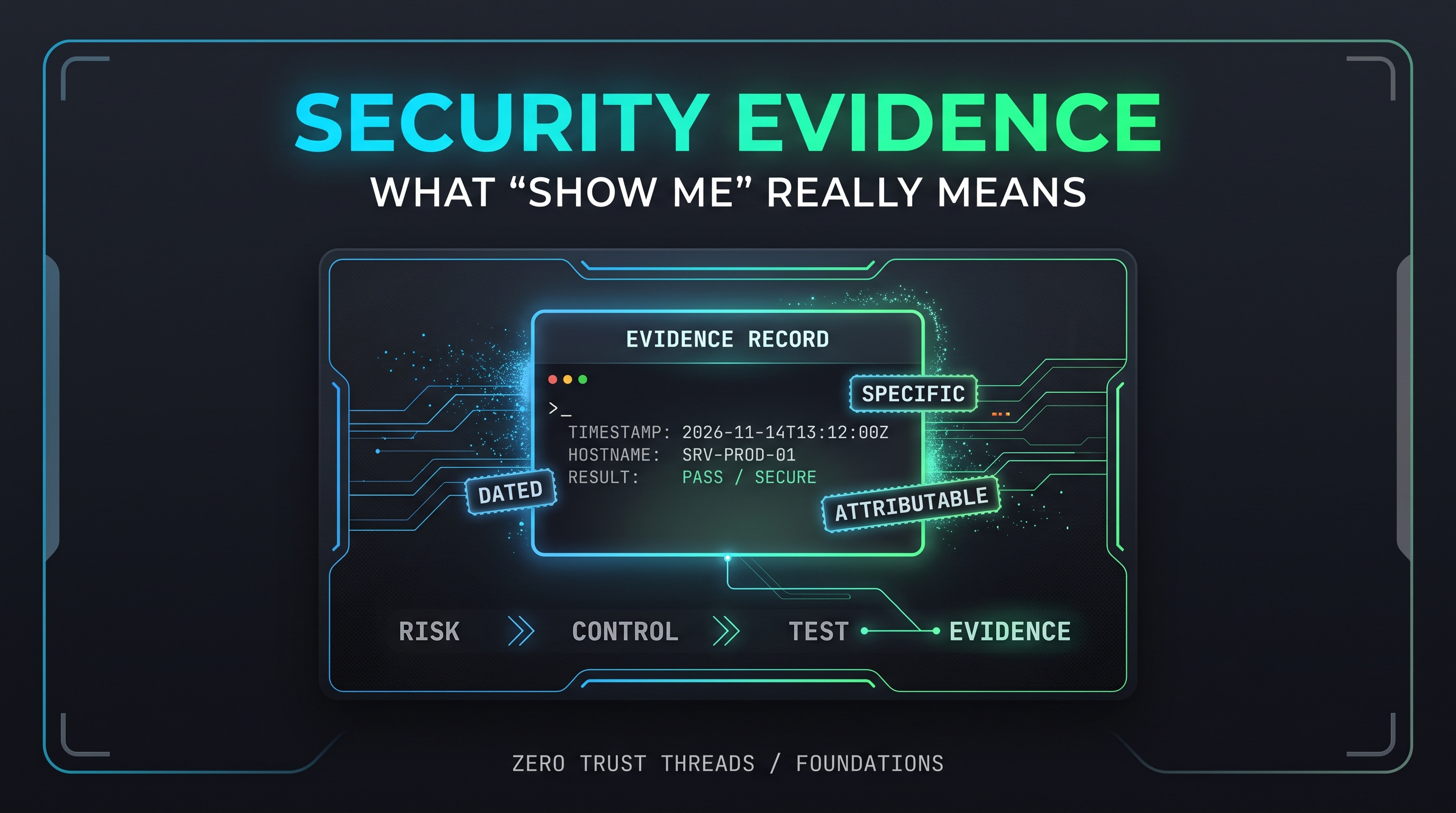
It is documented. What you tested, when, how, and what you saw. That becomes evidence, which the next article covers.
It is repeated. A control that worked once may not work after the next change.
Common Misconceptions
"If it is documented, it works."
Documentation tells you the intent. Testing tells you the reality.
"A passed test means the control is perfect."
It means it worked under that test. Different conditions might give different results.
"Testing means attacking the system."
Not necessarily. Many tests are simple checks, like trying a denied action or confirming an event appears in a log. Keep testing inside systems you own or have permission to test.
"Only auditors test controls."
Anyone responsible for a control should verify it. Self-checks catch problems early.
"A failed test is a failure of the person."
A failed test is information. It is far better to find the gap yourself than during an incident. See An Alert Fired. Now What? for what it feels like to discover gaps under pressure.
Practical Exercise: Test Two Controls on Your Lab VM
Use your Ubuntu Server VM from Your First Ubuntu Server, or another Linux system you own. These tests are safe and change nothing.
Test 1: Does file protection actually block access?
Control: regular users cannot read the password hash file.
Expected result: access denied.
Run this as a normal, non-root user:
cat /etc/shadow
Actual result you should see:
cat: /etc/shadow: Permission denied
If it printed contents, that is a finding worth investigating. This ties back to Linux Permissions Without the chmod 777 Therapy Session.
Test 2: Does a failed privilege attempt leave evidence?
Control: security-relevant events are logged.
Expected result: a failed sudo attempt appears in the journal.
First, try a command that needs sudo and enter the wrong password on purpose:
sudo ls /root
Then check recent journal entries from sudo:
sudo journalctl _COMM=sudo --since "10 minutes ago"
You should see an entry indicating an authentication failure. Wording varies by Ubuntu release. If you see nothing, that is also a result: write down what you checked and what you would investigate next.
Record what happened
| Control | Method | Expected | Actual | Pass/Fail |
|---|---|---|---|---|
| Users cannot read /etc/shadow | Test | Permission denied | | |
| Failed sudo is logged | Test | Journal entry | | |
Notice that these two tests also use the Examine method: reading the journal is examining a record. Real assessments often combine methods.
Key Takeaway
A control you have not tested is an assumption.
Examine, interview, and test give you different kinds of confidence. Using them together tells you whether a control exists, whether people understand it, and whether it behaves the way it should.
Verified References
- NIST SP 800-53A Rev. 5, Assessing Security and Privacy Controls in Information Systems and Organizations (Release 5.2.0 issued August 2025). https://csrc.nist.gov/Pubs/sp/800/53/a/r5/final
- NIST SP 800-53 Rev. 5 (current release 5.2.0). https://csrc.nist.gov/publications/detail/sp/800-53/rev-5/final
- Ubuntu manual page, sudo and journald documentation via the Ubuntu Manpages site. https://manpages.ubuntu.com/
About the author
- Zero Trust Threads is a cybersecurity media and lifestyle brand focused on making cybersecurity, Linux, networking, GRC, and tech culture approachable through practical projects, real-world learning, and a little humor. Trust nothing. Learn everything.
Comments
Join the discussionNo comments yet. Be the first to comment.
Zero Trust Threads Foundations
Cybersecurity does not have to be learned all at once. Zero Trust Threads Foundations breaks down essential cybersecurity and IT concepts into approachable, practical lessons for beginners. Learn the fundamentals of HTTP security, home labs, Linux, logs, defensive security, and more while building the knowledge needed for hands-on learning.