Evidence: What "Show Me" Means in Security
Someone asks, "Can you show me that this control is working?"
You say, "Yes, we do that."
They say, "Show me."
That pause is where security evidence starts. Evidence is what turns "we do that" into something another person can check.
Two Kinds of Evidence, One Word
The word evidence shows up in two very different places in security.
Incident evidence helps you work out what happened during an event. In An Alert Fired. Now What? evidence was one step in a triage flow, used to investigate a possible incident.
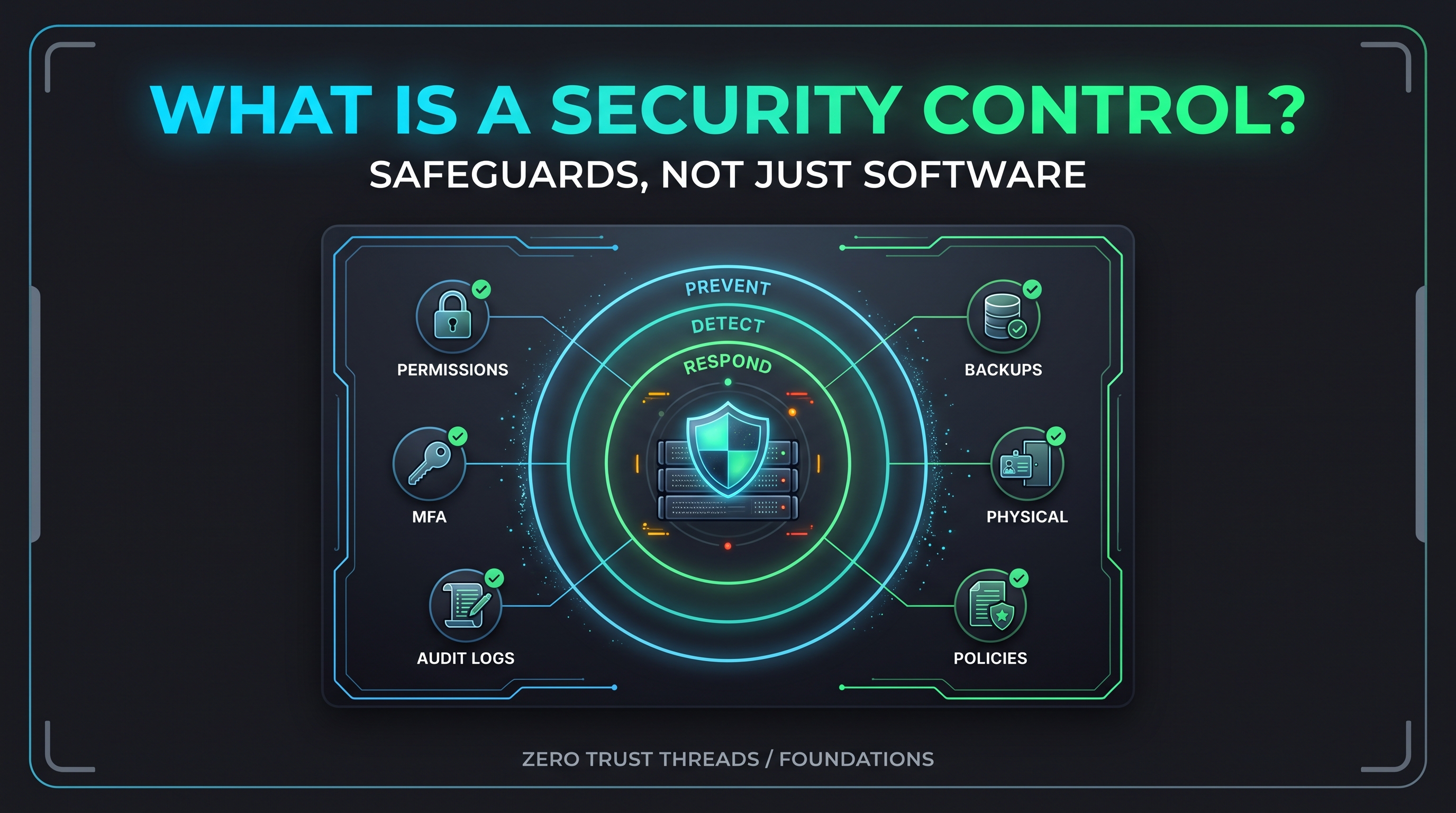
Control evidence helps show that a control exists and works. This article is about that one.
They share the habit of recording facts carefully, but the purpose is different. One answers "what happened?" The other answers "is this protection really in place?"
What Control Evidence Is
Control evidence is a record that demonstrates a control is implemented and operating.
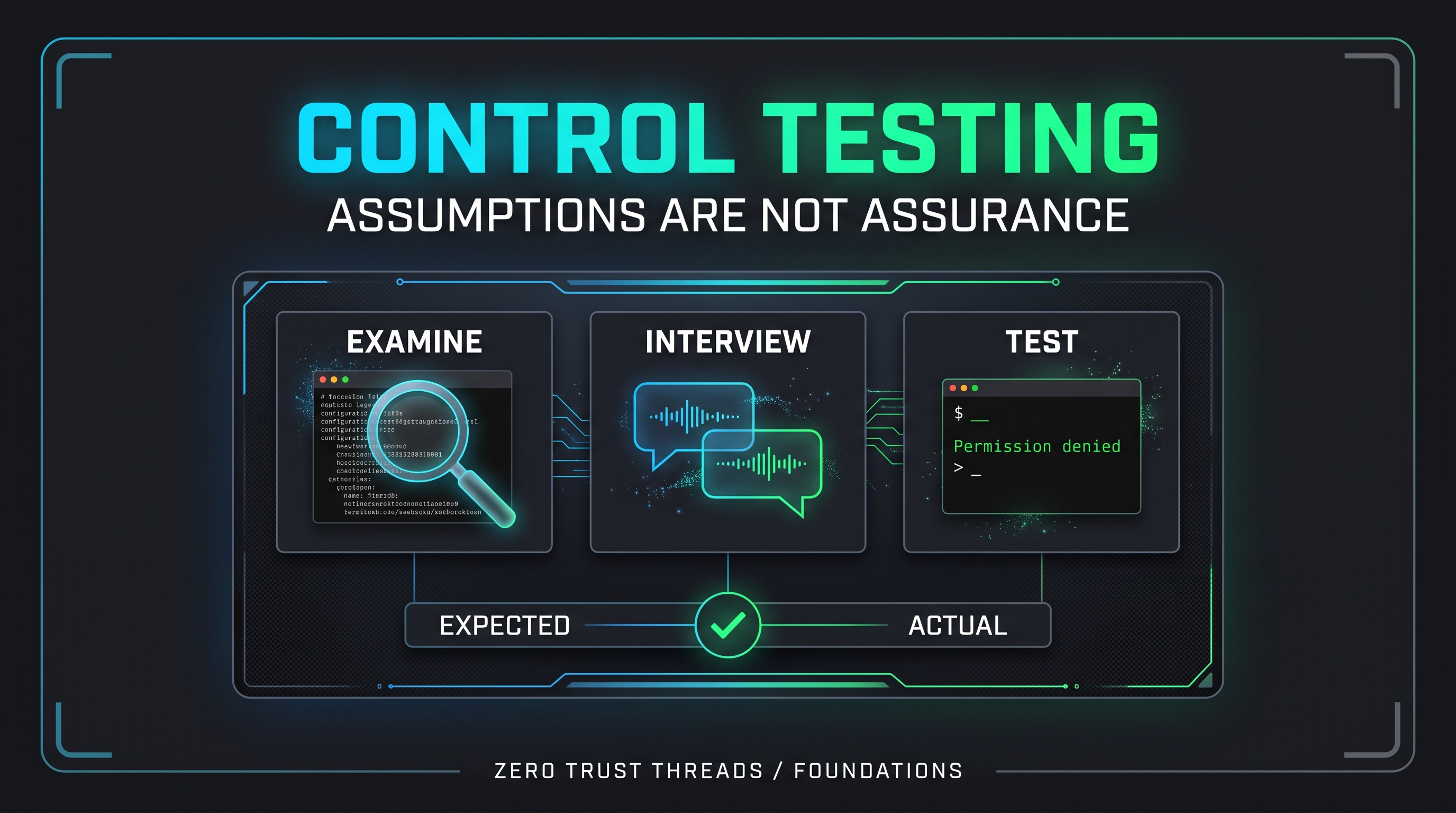
It comes from the same three methods in NIST Special Publication (SP) 800-53A that we covered in Control Testing for Beginners:
- Examine: screenshots of settings, configuration files, policies, access lists, log excerpts
- Interview: notes from conversations with the people who run the control
- Test: results from trying the control and observing the outcome
Evidence is not a vibe. It is something a reviewer can look at without having to take your word for it.
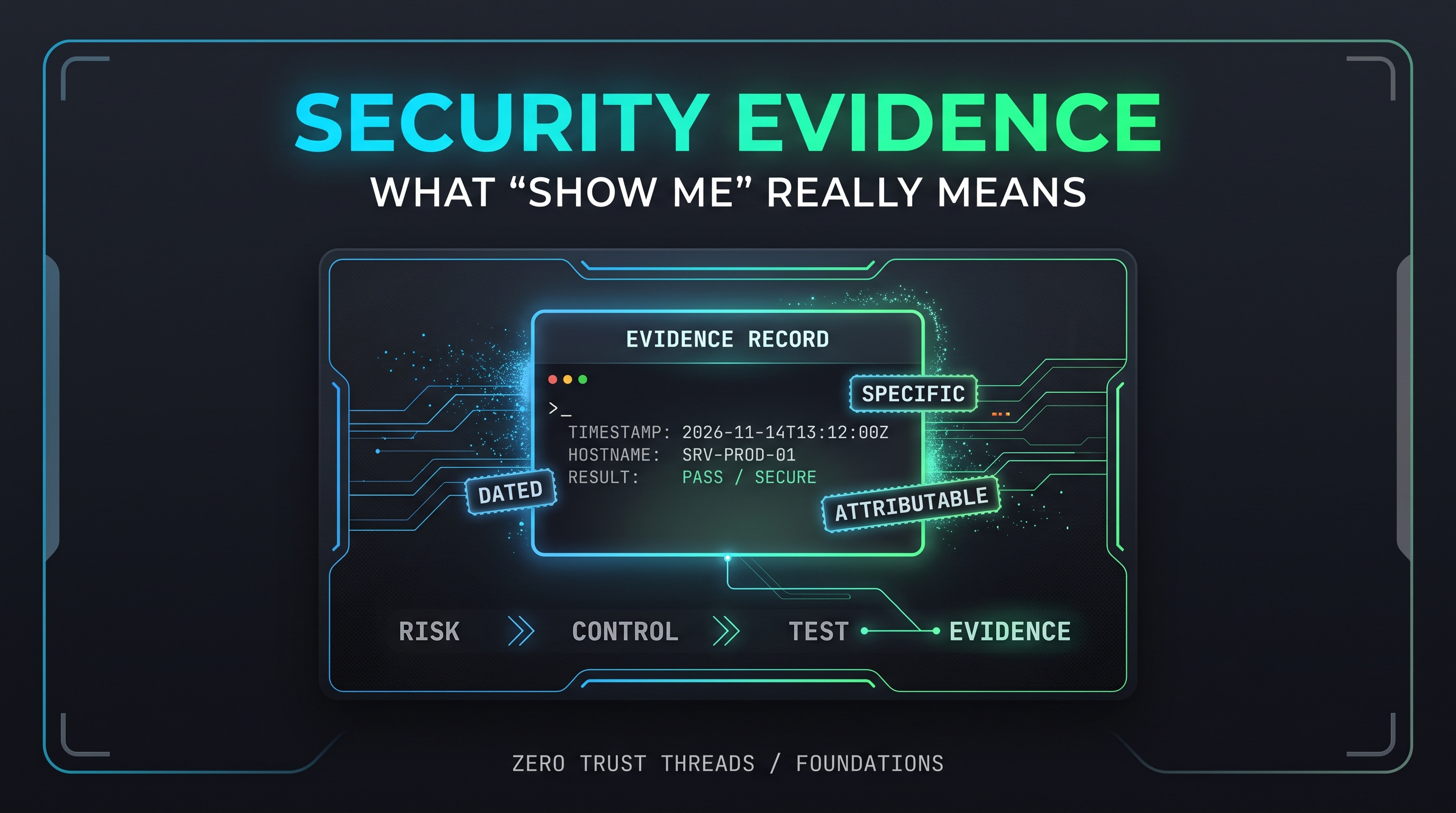
What Makes Evidence Useful
Good evidence usually has these qualities:
| Quality | What it means |
|---|---|
| Relevant | It relates to the specific control being shown |
| Dated | A reviewer can tell when it was collected |
| Attributable | It shows which system and which collector |
| Specific | It shows the actual setting or result, not a general claim |
| Reproducible | Someone else could repeat the check |
| Protected | It does not expose passwords, keys, or sensitive data |
A screenshot of a settings page with no date, no system name, and no context is weak. The same screenshot with the hostname, date, and a note on what it proves is much stronger.
Evidence Has to Match the Claim
A common problem is evidence that shows something nearby but not the thing claimed.
Claim: "Only administrators can change firewall rules."
Weak evidence: a policy that says only administrators should change firewall rules.
Better evidence: the list of accounts with permission to change rules, plus a record of the last changes and who made them.
The policy shows intent. The access list and change history show reality. This lines up with the difference between a control existing and a control operating.
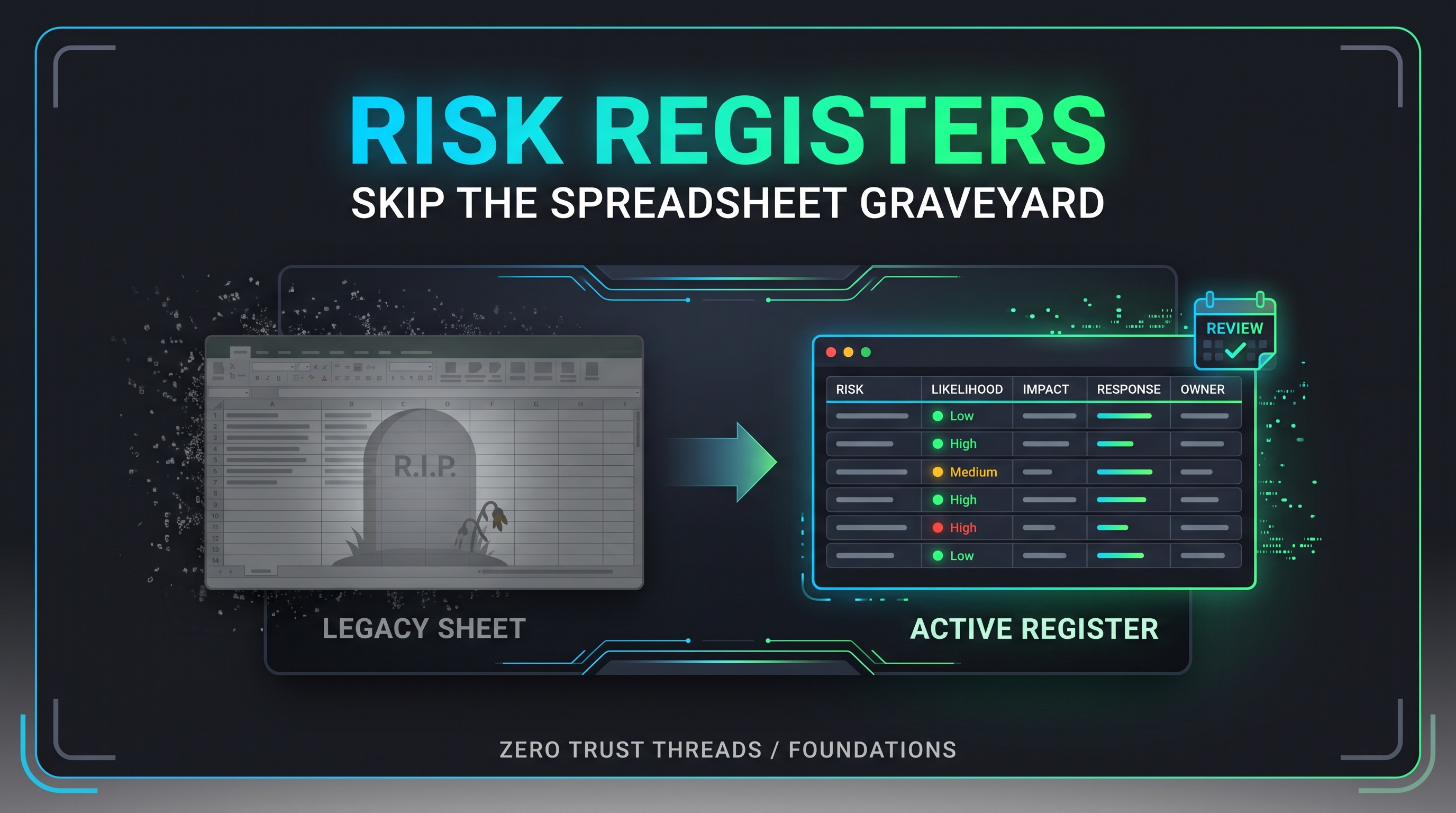
Evidence and the Risk Register
Evidence connects the pieces you have been building:
- A risk names what could go wrong.
- A control reduces it.
- A test checks the control works.
- Evidence records the result.
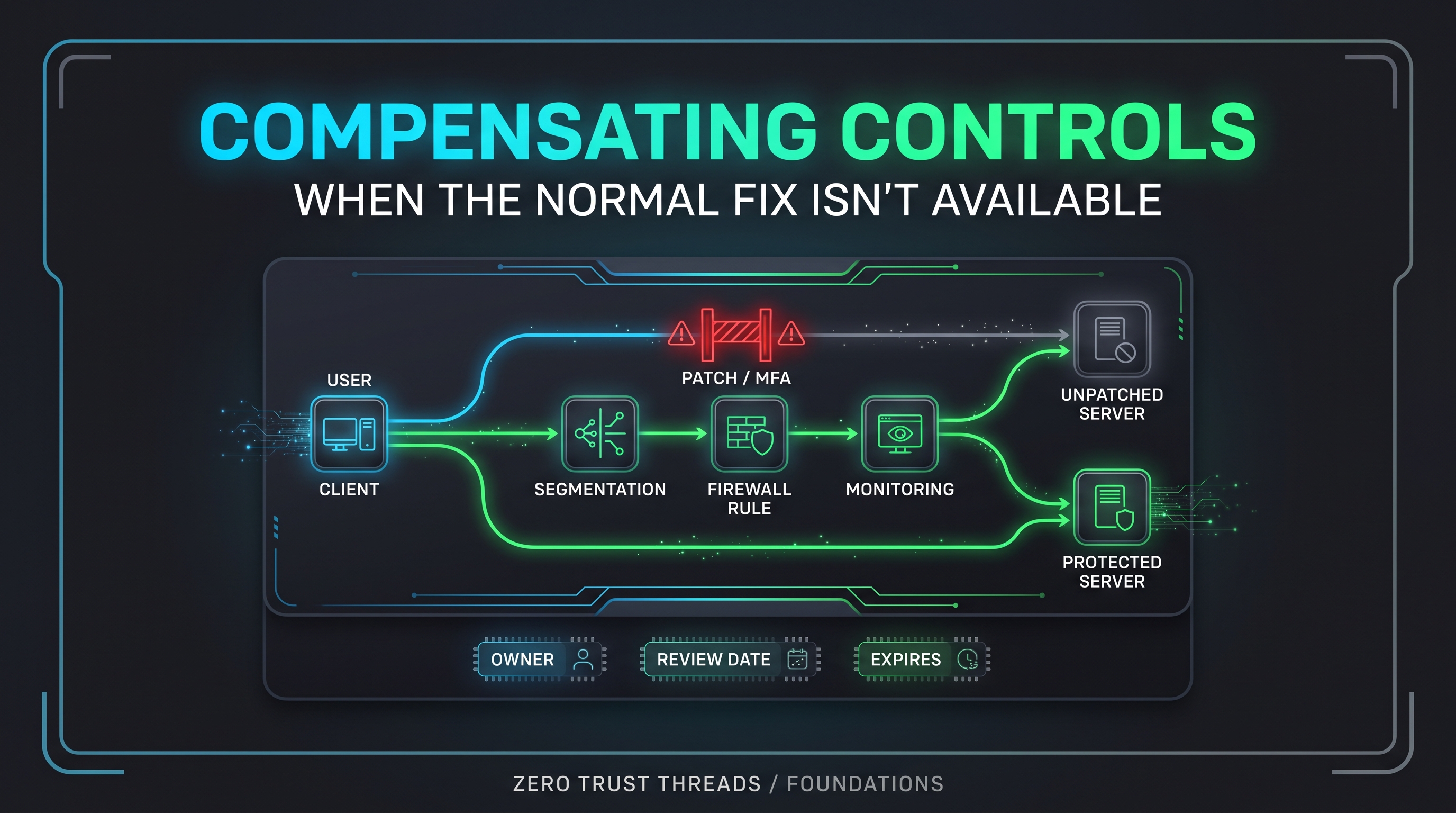
For a compensating control, evidence matters even more. If you are claiming a substitute is comparable, you need something that shows it is actually in place.
Common Misconceptions
"Evidence means collecting everything."
More is not better. Collect what supports the claim. A pile of unrelated screenshots makes review harder.
"A policy is evidence the control works."
A policy is evidence that a rule exists. It does not show the rule is followed.
"Evidence is only for audits."
It is useful anytime someone needs confidence, including your future self trying to remember what you changed.
"A clean log proves nothing happened."
Logs show what was recorded. Missing entries could mean no event, or a logging gap. Evidence should be read with its limits in mind. This is the same caution from Indicators of Compromise Aren't Proof of an Attack: evidence supports conclusions, but it rarely proves more than it shows.
"Sensitive evidence is fine to paste anywhere."
Evidence can contain secrets. Redact passwords, tokens, keys, and personal data, and store evidence somewhere appropriate.
Practical Exercise: Build an Evidence Record in Your Lab
Use a Linux system you own. This only reads information and writes a text file.
Goal: produce evidence that the password file is protected on your lab VM.
Step 1: Capture the check with context
{
  echo "Collected: $(date -u +"%Y-%m-%dT%H:%M:%SZ")"
  echo "Host: $(hostname)"
  echo "Control: Password hash file is not readable by regular users"
  echo "Command: stat -c '%A %U:%G %n' /etc/shadow"
  stat -c '%A %U:%G %n' /etc/shadow
} > evidence-shadow-permissions.txt
Step 2: Read it back
cat evidence-shadow-permissions.txt
You should see the date, hostname, the control, the command, and the result.
Step 3: Add a test result
Run this as a normal user and add what you see to your notes:
cat /etc/shadow
Expected: Permission denied.
Step 4: Write the evidence summary
**Control:** Password hash file protected from regular users
**Method:** Examine (permissions) and Test (attempted read)
**Collected:** (date)
**System:** (hostname)
**Result:** Permissions restrict access; regular user read was denied
**Limits:** Shows file protection on this system at this time only
The "Limits" line is the habit to keep. Good evidence states what it does not show.
Key Takeaway
Evidence is how "we do that" becomes "here is how you can check."
The best evidence is relevant, dated, specific, and honest about its limits. It matches the claim, and it does not expose secrets.
Verified References
- NIST SP 800-53A Rev. 5, Assessing Security and Privacy Controls in Information Systems and Organizations (Release 5.2.0 issued August 2025). https://csrc.nist.gov/Pubs/sp/800/53/a/r5/final
- NIST SP 800-53 Rev. 5 (current release 5.2.0). https://csrc.nist.gov/publications/detail/sp/800-53/rev-5/final
- NIST SP 800-18 Rev. 2, Developing Security, Privacy, and Cybersecurity Supply Chain Risk Management Plans for Systems (released June 30, 2026). https://csrc.nist.gov/news/2026/nist-releases-sp-800-18r2
- NIST CSF 2.0, NIST CSWP 29. https://doi.org/10.6028/NIST.CSWP.29
- Ubuntu manual page, shadow(5). https://manpages.ubuntu.com/manpages/bionic/man5/shadow.5.html
About the author
- Zero Trust Threads is a cybersecurity media and lifestyle brand focused on making cybersecurity, Linux, networking, GRC, and tech culture approachable through practical projects, real-world learning, and a little humor. Trust nothing. Learn everything.
Comments
Join the discussionNo comments yet. Be the first to comment.
Zero Trust Threads Foundations
Cybersecurity does not have to be learned all at once. Zero Trust Threads Foundations breaks down essential cybersecurity and IT concepts into approachable, practical lessons for beginners. Learn the fundamentals of HTTP security, home labs, Linux, logs, defensive security, and more while building the knowledge needed for hands-on learning.