Temporary Access Has a Way of Becoming Permanent
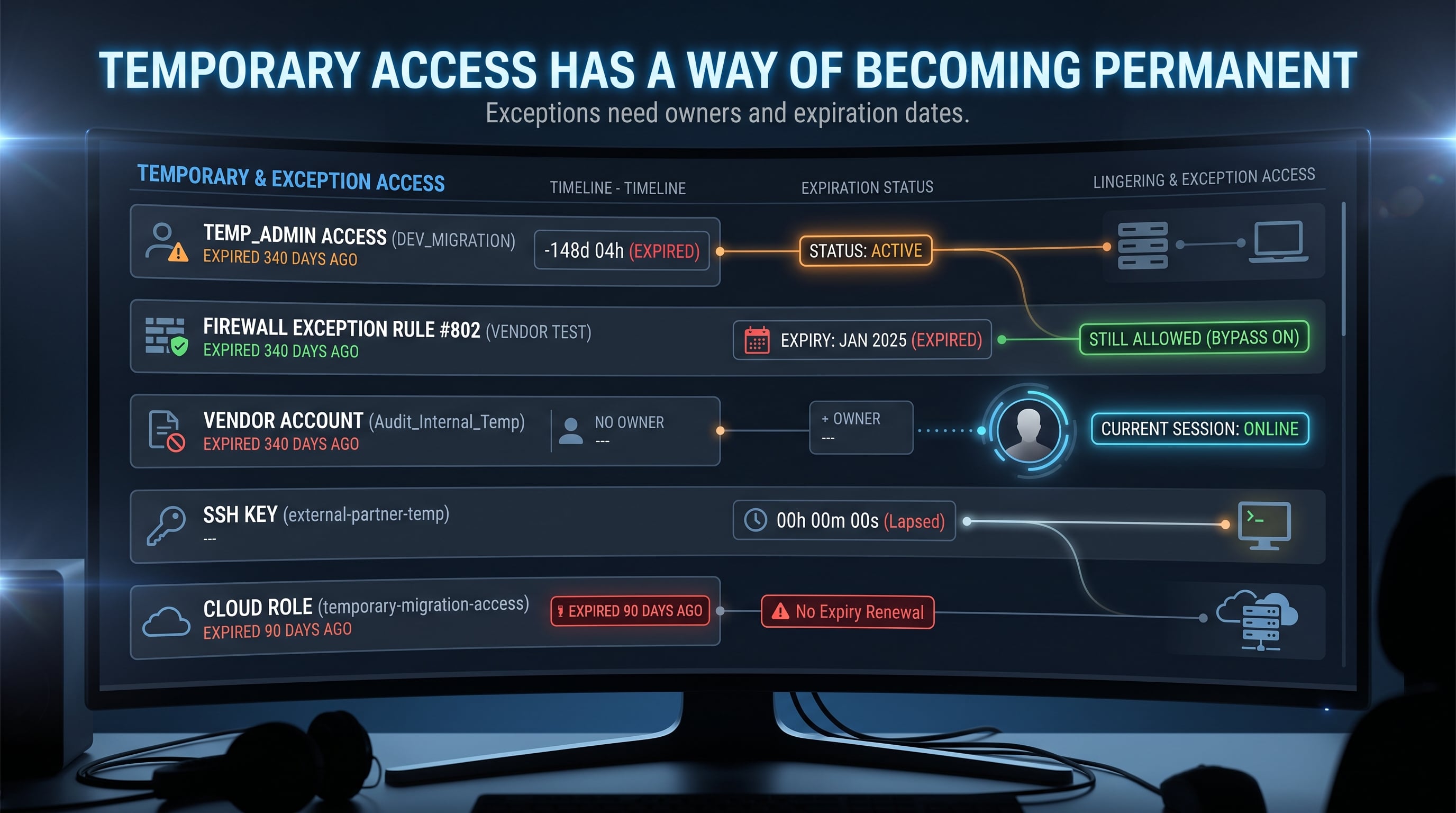
Some of the most dangerous words in technology are:
"Just for now."
Just give me administrator access for today.
Open that firewall rule temporarily.
Leave the test account enabled until the migration is finished.
Give the vendor access until the issue is resolved.
We will remove it later.
Sometimes temporary access is completely reasonable.
The problem is what happens afterward.
The project ends.
The ticket closes.
People move on.
The access stays.
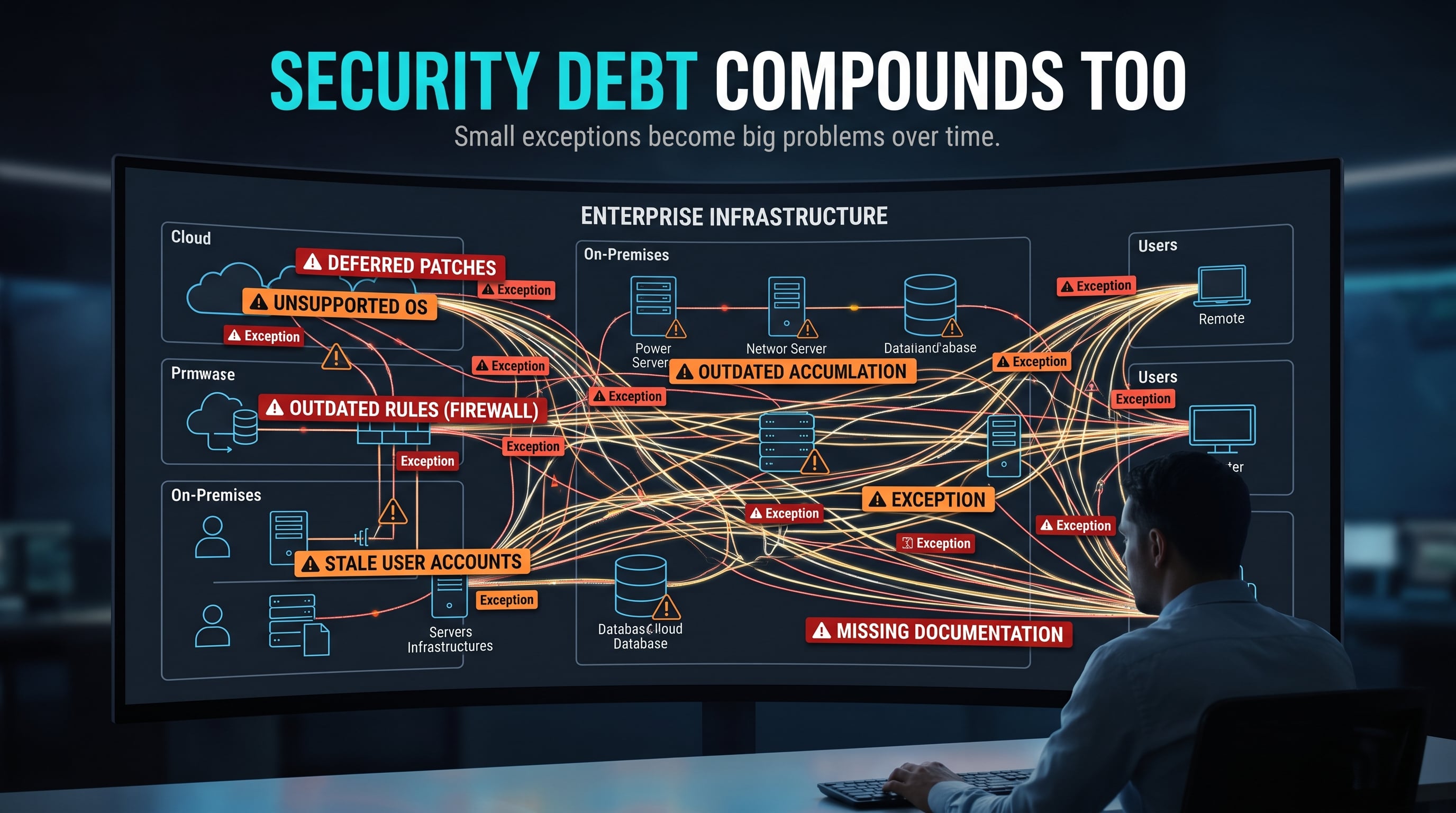
Temporary Does Not Remove Risk
A temporary administrator account is still an administrator account.
A temporary firewall exception still changes network exposure.
A temporary API key can still be abused.
A vendor account can still authenticate.
A cloud role can still authorize actions.
The word temporary describes the intent.
It does not automatically enforce the expiration.
That needs a control.
Least Privilege Is More Than "Don't Give Everyone Admin"
NIST defines least privilege around providing only the access necessary to accomplish assigned tasks.
Current NIST guidance also emphasizes reviewing assigned privileges and removing or reassigning them when they are no longer needed.
That distinction matters.
Least privilege is not only about how much access someone has.
It is also about whether that access is still necessary.
Someone may legitimately need elevated access at 10:00 AM.
That does not mean they still need it six months later.
The Temporary Firewall Rule
Imagine a developer needs access to a test service.
Someone creates:
Allow TCP 8443 from Any
The plan is to remove it Friday.
Friday becomes Monday.
Then another project starts.
Six months later, someone finds the rule and asks:
Why is this here?
Nobody knows.
Now the organization has a problem.
Removing it might break something.
Leaving it might create unnecessary exposure.
The rule has become security archaeology.
Exceptions Need Structure
A better temporary exception should have context.
For example:
Purpose:
Temporary vendor troubleshooting

Owner:
Application Team

Source:
Approved vendor address

Destination:
Test server

Port:
8443

Approved:
October 9

Expires:
October 11

Ticket:
CHG-1234
Now temporary actually means something.
There is:
A reason
An owner
A scope
A date
A record
An expiration
That is much easier to manage.
Accounts Have the Same Problem
Test accounts are another classic example.
Someone creates:
migration-admin
It needs broad access during a migration.
The migration finishes.
The account remains enabled.
Months later, nobody remembers why it exists.
That account may still have:
Administrator privileges
Old credentials
API access
Remote login capability
Access to production systems
This is why account lifecycle management matters.
Think of the process as:
Create
  ↓
Authorize
  ↓
Use
  ↓
Review
  ↓
Disable
  ↓
Remove when appropriate
Access should have a lifecycle.
Not just a starting point.
Third-Party Access Needs the Same Attention
Vendors and managed service providers may genuinely need remote access.
But third-party access should still be limited to what is necessary.
Ask:
What systems can they reach?
What can they do?
How long should the access exist?
How is the activity logged?
Who approved it?
What happens when the contract ends?
A vendor relationship ending should not leave behind permanent technical access.
The business relationship has a lifecycle.
The access should too.
Temporary Credentials Are Still Credentials
The same principle applies to:
API keys
Access tokens
Shared passwords
SSH keys
Service accounts
Temporary cloud roles
The danger is especially easy to miss when credentials are not visible in a normal user directory.
A forgotten API key may continue working quietly long after the project that created it has ended.
That is still access.
Even if nobody remembers it exists.
Time-Bounded Access Is Better
Where the technology supports it, access can be designed to expire automatically.
That might mean:
Temporary privilege elevation
Time-limited cloud roles
Expiring access tokens
Automatic account disablement
Just-in-time privileged access
Automation reduces dependence on someone remembering to clean things up later.
Because people forget.
That is not a criticism.
It is a design reality.
Good security controls account for that reality.
Reviews Catch What Automation Misses
Even with automation, periodic review still matters.
Ask:
Who currently has privileged access?
Which accounts have not been used?
Which firewall exceptions are still active?
Which vendor accounts still exist?
Which tokens are still valid?
Which service accounts are undocumented?
Which permissions no longer match someone's role?
This is the part organizations sometimes skip.
They review who received access.
They do not always review who still has it.
Those are different questions.
Temporary Should Have an Expiration Date
A useful habit is to treat temporary access almost like a rental.
You should know:
Who has it?
Why do they need it?
What can they access?
When did it begin?
When should it end?
Who approved it?
What proves it was removed?
If none of those questions can be answered, the access may no longer be temporary in any meaningful sense.
It is simply undocumented access.
Exceptions Should Be Reviewable
Imagine two firewall rules.
Rule A
ALLOW TCP 8443 FROM ANY
Rule B
Purpose:
Vendor troubleshooting

Owner:
Application Team

Source:
203.0.113.25

Destination:
test-app-01

Port:
8443

Created:
2026-10-09

Expires:
2026-10-11

Change Ticket:
CHG-1234
Both rules may technically allow the same service.
But Rule B gives someone reviewing the environment enough information to make a decision.
That is the difference between a configuration and a managed exception.
Ownership Still Matters
Temporary access should have an owner.
Someone should be responsible for answering:
Does this still need to exist?
Without ownership, cleanup becomes someone else's problem.
And when everyone assumes someone else will remove the access, nobody does.
A simple owner field can prevent a surprising amount of uncertainty.
Your Home Lab Can Teach This Too
You can practice the same lifecycle in your own lab.
Create a temporary account:
sudo adduser tempadmin
Grant it elevated access for an exercise if needed.
Document:
Why it exists
When you created it
What access it has
When you plan to remove it
For example:
Account:
tempadmin

Purpose:
Privilege-management lab

Created:
2026-10-09

Access:
Temporary sudo privileges

Expires:
End of lab exercise
Finish the exercise.
Then remove the access.
If you added the account to the sudo group, you could remove that membership with:
sudo deluser tempadmin sudo
And when the account is no longer needed:
sudo deluser tempadmin
The technical part is simple.
The useful lesson is the lifecycle.
You are practicing:
Request
   ↓
Approve
   ↓
Grant
   ↓
Use
   ↓
Review
   ↓
Revoke
Ask One More Question
Whenever someone says:
"We only need this temporarily."
Ask:
"What makes it temporary?"
Is there an expiration date?
An automated control?
A ticket?
A scheduled review?
An owner?
Or are we simply hoping someone remembers?
That one question can expose the difference between temporary access and permanent access with temporary intentions.
Key Takeaway
Temporary access is sometimes necessary.
Unmanaged temporary access is where the problem begins.
Every exception should answer:
Why does this exist?
Who owns it?
What does it allow?
When does it expire?
How will we know it was removed?
Temporary should describe more than the original intention.
It should be enforced.
Verified References
NIST SP 800-171 Rev. 3
Includes requirements for account management, privileged access, least privilege, access review, and removing or reassigning privileges when they are no longer needed.
https://csrc.nist.gov/pubs/sp/800/171/r3/finalNIST SP 800-53 Rev. 5
Includes controls related to account management, least privilege, privileged functions, and review of user privileges.
https://csrc.nist.gov/pubs/sp/800/53/r5/upd1/finalCISA Cybersecurity Performance Goals
Includes practical recommendations related to identity and access management, privileged access, account security, and reducing unnecessary access.
https://www.cisa.gov/cybersecurity-performance-goals
This article is intended for educational purposes. Access-control changes and security exercises should only be performed on systems you own or are explicitly authorized to administer.