The Tool Isn't the Strategy
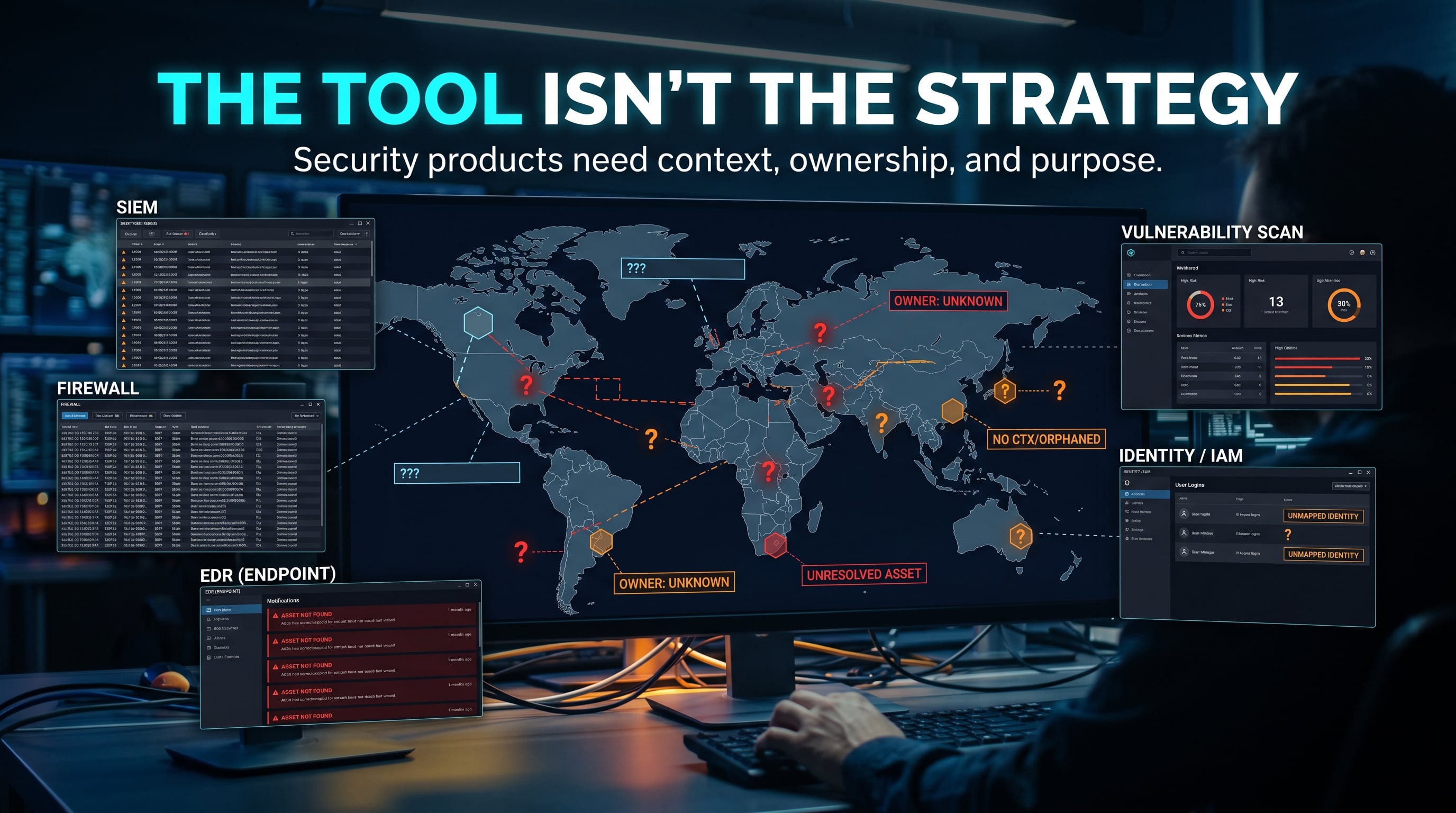
Cybersecurity has no shortage of tools.
Firewalls.
EDR.
SIEM.
Vulnerability scanners.
Email security.
Identity platforms.
Cloud security products.
Threat intelligence feeds.
The list keeps growing.
And all of those tools can be useful.
But buying a security product does not automatically create a security strategy.
A tool can collect data.
A tool can enforce a control.
A tool can generate an alert.
A tool can block something.
What it cannot do by itself is understand your business, your systems, your priorities, your risks, or whether the configuration actually makes sense.
That part still requires people, process, and context.
A Firewall Is Not a Network Strategy
Imagine an organization buys a new firewall.
Great.
Now ask:
- Which networks should communicate?
- Which services need to be exposed?
- Who owns each rule?
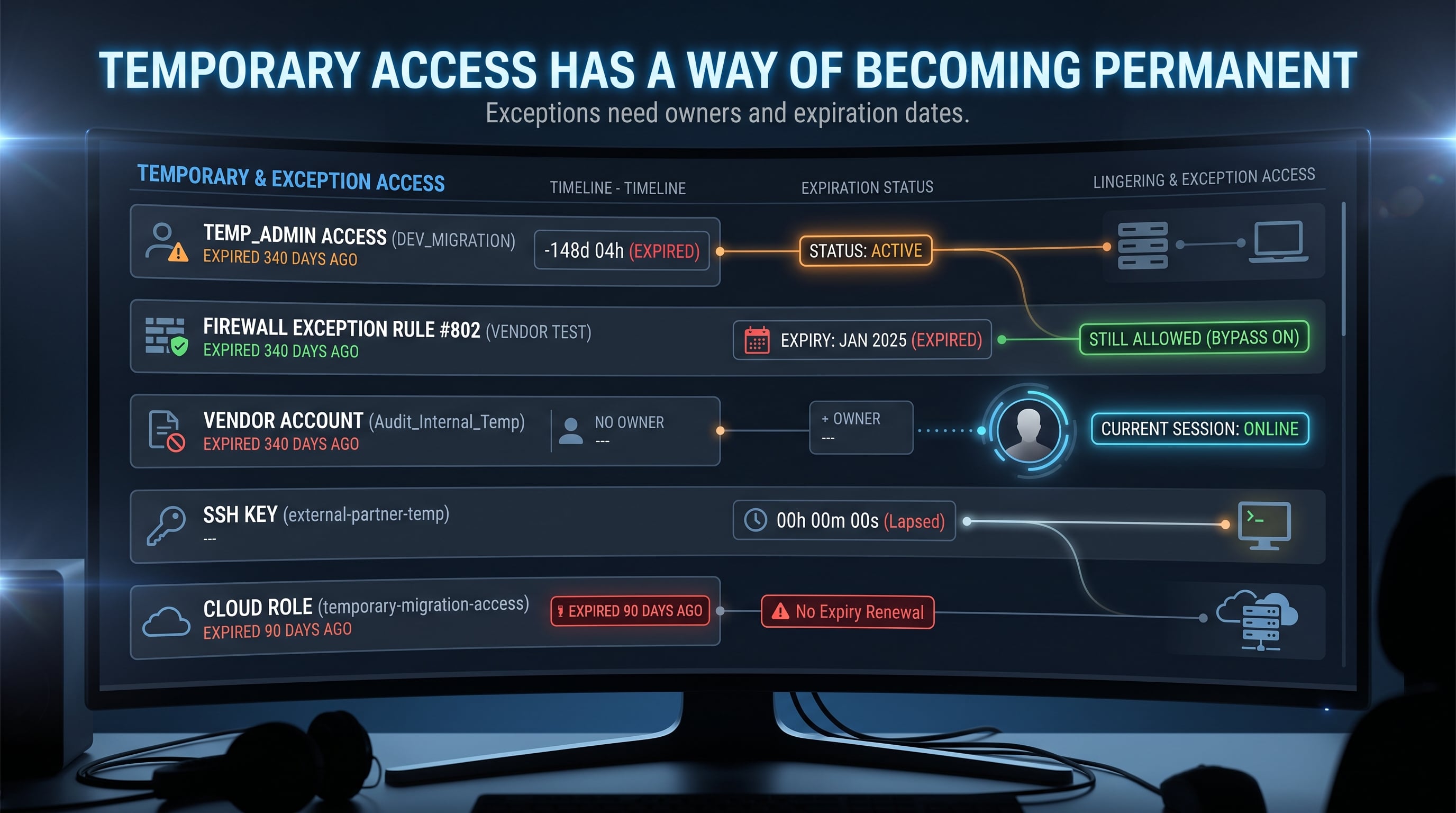
- Which rules are temporary?
- Which rules are still necessary?
- Which applications depend on them?
- When should they be reviewed?
The firewall can enforce the rules.
It cannot decide whether the rules are good.
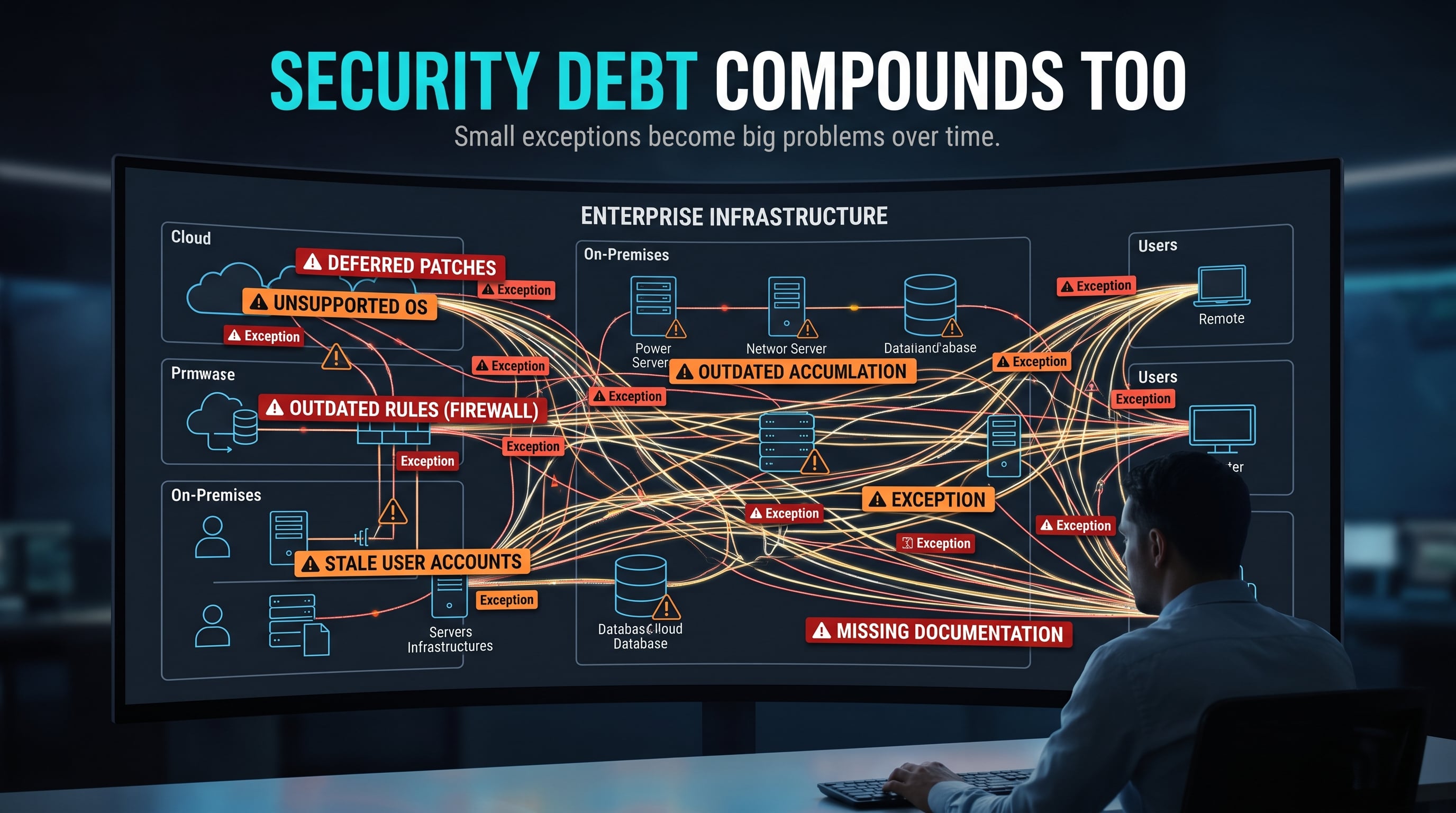
If nobody understands the environment, the firewall may simply enforce years of accumulated exceptions.
The technology works.
The strategy does not.
The Same Problem Exists Everywhere
Buy an EDR platform.
Now ask:
- Which systems should have the agent?
- Are all endpoints actually enrolled?
- Who reviews alerts?
- What happens when an alert fires?
- What systems are too sensitive for automated containment?
- How are exclusions reviewed?
- What happens if the agent stops checking in?
Again, the product is only one part of the system.
The same applies to vulnerability scanners.
A scanner may identify hundreds or thousands of findings.
But the scanner does not automatically know:
- Which system is internet-facing
- Which system supports critical operations
- Which vulnerability is being actively exploited
- Which asset contains sensitive data
- Which compensating controls already exist
- Which system cannot be patched immediately
That is why vulnerability management is not simply:
Run scanner → patch everything
It requires context.
Security Tools Need Something to Attach To
NIST Cybersecurity Framework 2.0 organizes cybersecurity risk management around six functions:
- Govern
- Identify
- Protect
- Detect
- Respond
- Recover
The framework is intentionally broader than individual products.
It emphasizes understanding organizational context, assets, risks, safeguards, detection, response, and recovery as connected activities.
A product might support one or more of those functions.
It does not replace them.
For example:
A SIEM can help with detection.
But it still needs logs.
Those logs need to come from systems you know about.
Someone needs to decide what matters.
Someone needs to tune alerts.
Someone needs to respond.
Someone needs to document what happened.
The tool supports the process.
It is not the process.
More Tools Can Create More Problems
There is another side to this.
Sometimes adding another product increases complexity.
Now there is another:
- Agent
- Console
- Integration
- Set of credentials
- Configuration
- Alert source
- Licensing model
- API
- Data store
- Upgrade path
That does not mean fewer tools are always better.
It means tools should solve an identified problem.
"Everyone else uses it" is not a security requirement.
Neither is:
"We bought it, so we must be safer now."
Configuration Matters
A security control can exist and still be ineffective.
A firewall with overly broad rules may provide little protection.
An EDR platform with important exclusions may miss activity.
A vulnerability scanner that does not cover important assets may provide a false sense of completeness.
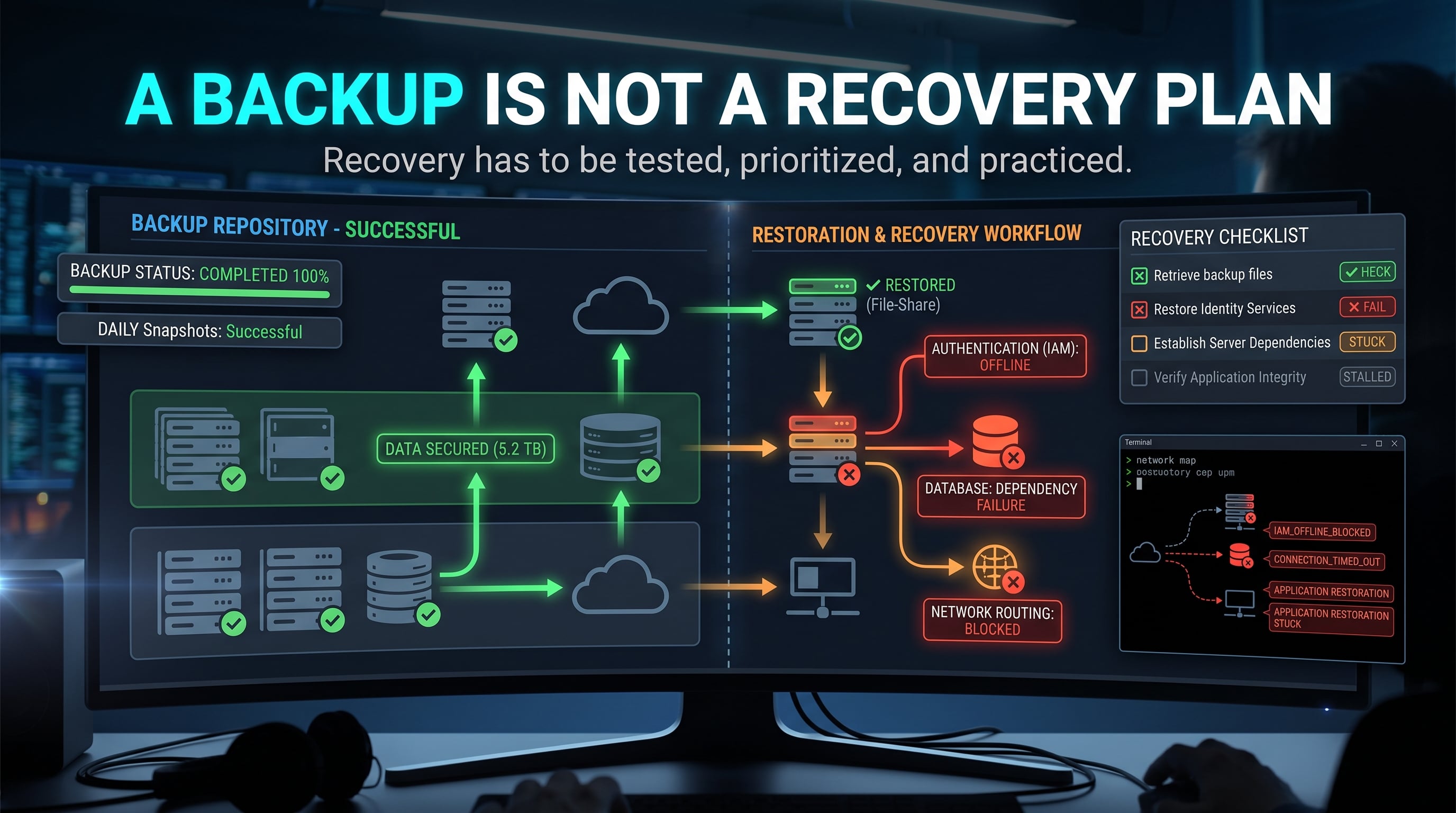
A backup product that has never successfully restored data may look healthy until the day it matters.
A SIEM collecting logs nobody reviews may be expensive storage.
The control has to work in the environment where it is deployed.
Ownership Matters Too
One of the most useful questions in cybersecurity is:
Who owns this?
Who owns the tool?
Who owns the system?
Who owns the alert?
Who owns the exception?
Who owns the remediation?
Who owns the decision not to remediate?
Without clear ownership, even good tools can become background noise.
The Strategy Comes First
A better order looks something like this:
What are we trying to protect?
        ↓
What could go wrong?
        ↓
What controls do we need?
        ↓
What process supports those controls?
        ↓
Which tools help us do that well?
The tool comes after the problem is understood.
Not before.
This Matters at Home Too
You can see the same mistake in a home lab.
Someone installs:
- Wazuh
- Suricata
- Zeek
- Security Onion
- Pi-hole
- Docker
- Nessus
- Wireshark
- A firewall
- Multiple VMs
Then nothing is configured properly.
Nothing is documented.
Nothing is monitored.
The lab has many tools.
It may not have much learning.
One well-understood tool is more useful than ten dashboards you do not understand.
Ask What Problem the Tool Solves
Before adding a new product, ask:
- What problem am I trying to solve?
- How will I know if it is working?
- Who is responsible for it?
- What happens when it finds something?
Those questions sound simple.
They prevent a surprising amount of security theater.
Think in Terms of Controls
A useful way to think about cybersecurity technology is to separate the goal from the tool.
For example:
Goal:
Restrict unnecessary network access

Control:
Network segmentation and access rules

Possible tool:
Firewall
Or:
Goal:
Detect suspicious endpoint activity

Control:
Endpoint monitoring and detection

Possible tool:
EDR platform
Or:
Goal:
Recover critical data after disruption

Control:
Backups and tested restoration procedures

Possible tool:
Backup platform
The product is one way to implement or support a control.
The real question is whether the control actually reduces the risk you care about.
A Dashboard Is Not the Same as Visibility
Security products often provide impressive dashboards.
Charts.
Scores.
Alerts.
Risk ratings.
Compliance percentages.
Those can be useful.
But a dashboard can only represent the data and assumptions behind it.
If important assets are missing, the dashboard may be incomplete.
If logs are not being collected, activity may be invisible.
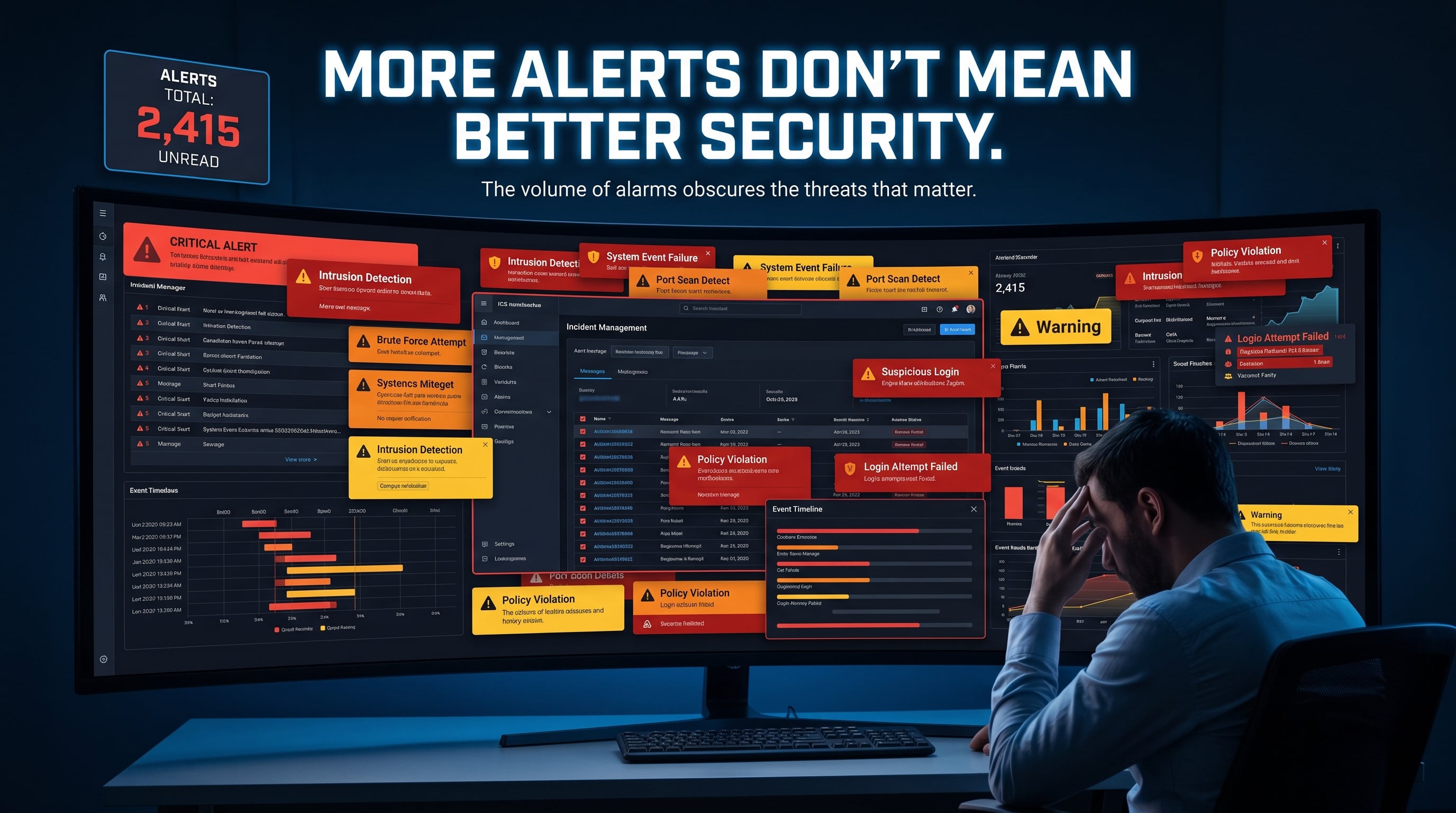
If detections are poorly tuned, alert counts may be misleading.
If nobody understands the environment, a risk score may provide very little context.
Visibility does not come from having a dashboard.
Visibility comes from understanding what the dashboard is actually showing you.
Test the Control
Another useful question is:
How do we know this works?
If you have backups, test a restore.
If you have alerting, generate a safe test event.
If you have network restrictions, verify that prohibited traffic is actually blocked.
If you have endpoint protection, confirm that the agent is installed and reporting where expected.
If you have logging, verify that the events you care about actually reach the system reviewing them.
A control that has never been tested may not behave the way you expect when it matters.
Key Takeaway
Cybersecurity tools matter.
But tools do not replace understanding.
They do not replace asset knowledge.
They do not replace ownership.
They do not replace policy.
They do not replace investigation.
They do not replace recovery planning.
And they definitely do not replace strategy.
The goal is not to collect the most security products.
The goal is to understand your risks well enough to choose and operate the right controls.
Verified References
NIST Cybersecurity Framework 2.0
Organizes cybersecurity risk management around the six functions Govern, Identify, Protect, Detect, Respond, and Recover, rather than around specific security products.
https://www.nist.gov/cyberframeworkNIST Cybersecurity Framework 2.0 Core
Describes cybersecurity outcomes across governance, asset management, safeguards, monitoring, response, and recovery.
https://www.nist.gov/cyberframework/getting-started/online-learning/components-frameworkCISA Cross-Sector Cybersecurity Performance Goals
Provides a set of practical cybersecurity practices covering areas such as asset inventory, access control, vulnerability management, logging, network security, and recovery.
https://www.cisa.gov/cybersecurity-performance-goals
This article is intended for educational purposes. Security products, controls, and configurations should be selected based on the specific risks, requirements, and operational needs of the environment where they are deployed.