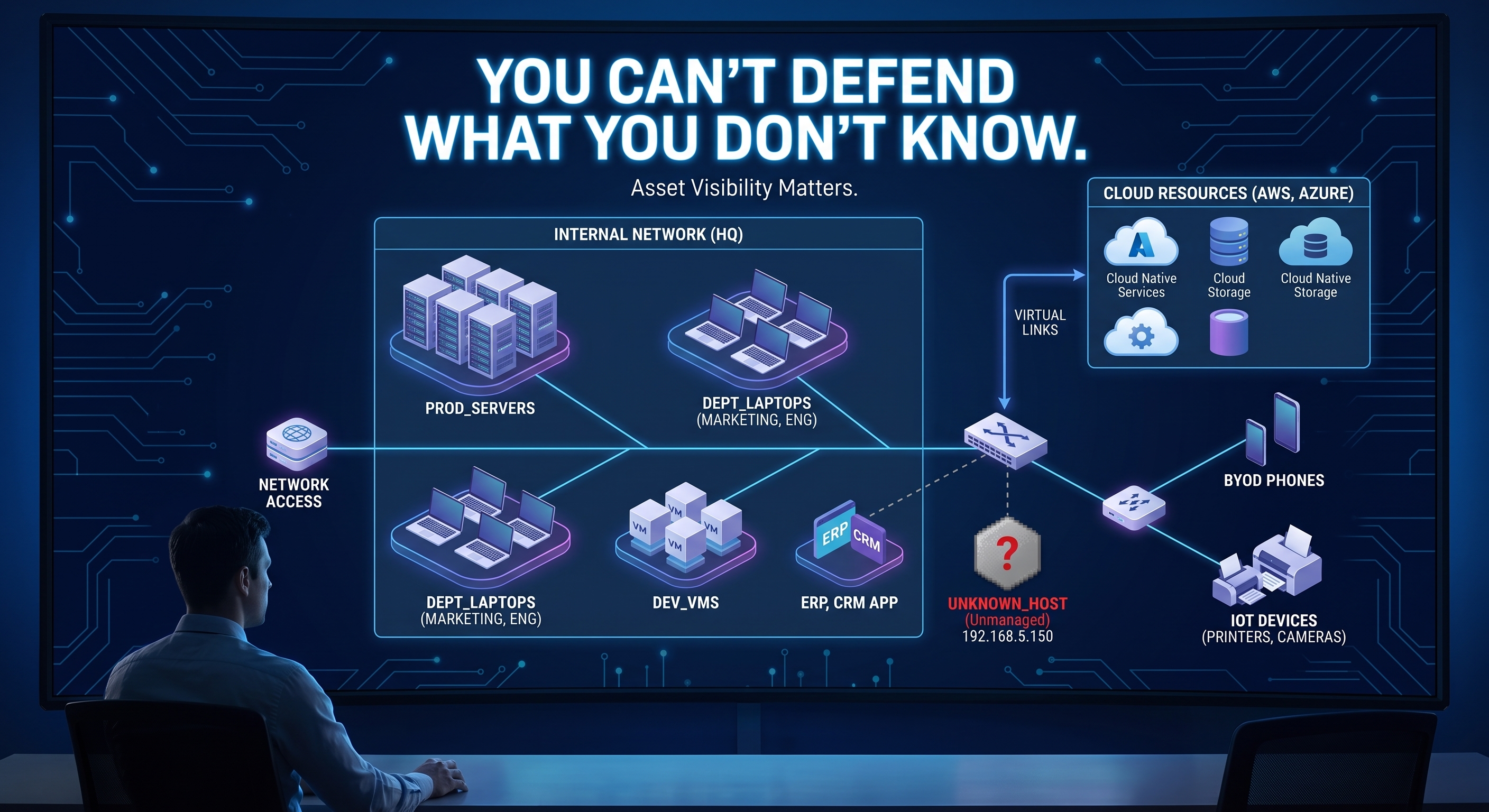
You Can't Defend What You Don't Know You Have
Asset Visibility Matters.
Imagine someone asks:
Is your network secure?
Before answering, there is a more basic question.
What is on your network?
Which laptops?
Which servers?
Which cloud systems?
Which applications?
Which databases?
Which accounts?
Which operating systems?
Which software versions?
Which services are exposed?
If you cannot answer those questions, cybersecurity becomes considerably harder.
This is why asset management is one of the least flashy and most important parts of defensive security.
What Is an Asset?
In cybersecurity, an asset can include far more than a physical computer.
Depending on the organization, assets may include:
Laptops
Servers
Phones
Network equipment
Virtual machines
Cloud resources
Applications
Databases
Data
Accounts
Services
Software
NIST Cybersecurity Framework 2.0 includes asset-related outcomes within the Identify function and emphasizes understanding organizational cybersecurity risks before deciding how to manage them.
This makes sense.
You cannot protect something effectively if you do not know it exists.
The Forgotten Server Problem
Imagine a company installed a web server five years ago.
The project ended.
The server stayed online.
Nobody remembers who owns it.
Software updates stopped.
The server is still reachable from the internet.
Now consider the security questions:
Who patches it?
Who monitors it?
Who reviews its logs?
Does anyone know what data it contains?
Does the application still need to exist?
This is how forgotten technology can become risk.
The problem is not necessarily that the server was badly designed.
The problem may simply be that nobody is managing it anymore.
Inventory Gives Security Context
Suppose your vulnerability scanner reports:
Critical vulnerability
Host: 10.0.0.25
That sounds serious.
Now ask:
What is
10.0.0.25?
Without an inventory, you may not know.
With good asset information, you might know:
Hostname: web-prod-02
Owner: Web Team
Function: Customer portal
Internet-facing: Yes
Data: Customer account information
Operating System: Linux
Environment: Production
That information changes the conversation.
Now the vulnerability has business and technical context.
Inventory Is More Than a Spreadsheet
An asset inventory should help answer meaningful questions.
For example:
What is this?
Who owns it?
What does it do?
Where is it?
What software does it run?
How important is it?
Is it exposed externally?
What information does it process?
When was it last reviewed?
The exact fields depend on the environment.
The principle does not.
Security decisions improve when you know what you are making decisions about.
Find What Is Listening
You can practice this concept in your own home lab.
Start with your Ubuntu server.
Run:
ip addr
Document its IP address.
Then:
hostname
Document its hostname.
Then:
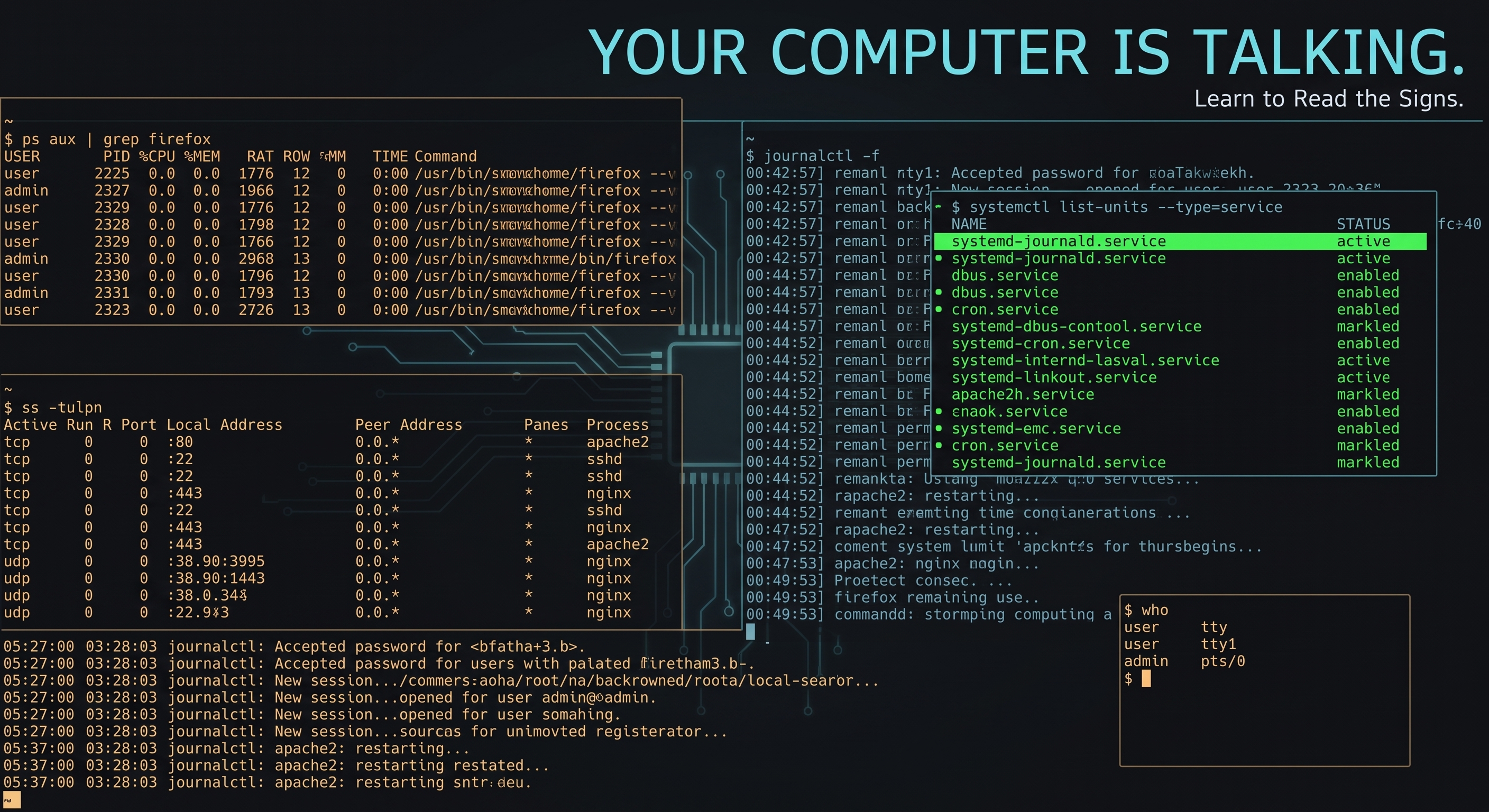
ss -tulpn
Document the listening services.
Then:
systemctl --type=service --state=running
Document important running services.
Then:
uname -a
And:
cat /etc/os-release
Document the operating system.
You just started an asset record.
Build a Tiny Inventory
For your own lab, something this simple is enough:
| Asset | Purpose | OS | IP | Important Services |
|---|---|---|---|---|
ubuntu-server |
Linux practice | Ubuntu Server | 192.168.x.x |
SSH |
linux-client |
Testing workstation | Linux | 192.168.x.x |
None |
docker-host |
Container lab | Ubuntu | 192.168.x.x |
Docker |
This is not enterprise asset management.
It is a learning exercise.
But it teaches the correct habit.
Know what exists.
Know why it exists.
Know what it exposes.
Software Is Part of the Picture
Knowing the machine exists is only the beginning.
You may also need to understand the software installed on it.
Why?
Because vulnerabilities generally affect particular products, versions, configurations, or components.
Imagine hearing:
A vulnerability affects Product X version 5.2
Your next question should be:
Do we run Product X version 5.2 anywhere?
If nobody knows what software exists, answering that question becomes difficult.
Asset management supports vulnerability management because it helps connect vulnerabilities to actual systems.
Exposure Matters
Two identical systems may have different risk depending on where and how they are deployed.
Consider:
Server A
Internal-only
Limited users
No internet exposure
Server B
Internet-facing
Handles customer traffic
Same software
Same vulnerability
Same vulnerability.
Different context.
Asset knowledge helps you understand that difference.
Ownership Matters Too
Every important system should have someone responsible for it.
That does not necessarily mean one person handles every security task.
It means someone knows:
Why the asset exists
Whether it is still needed
What business function it supports
Who should have access
Who should be contacted when something goes wrong
Unknown ownership creates uncertainty.
Uncertainty slows security decisions.
Asset Discovery and Asset Inventory Are Related
Discovery helps identify what exists.
Inventory helps maintain useful information about what is known.
You may discover:
192.168.1.50 responds on the network.
That tells you something exists.
Inventory adds context:
IP Address: 192.168.1.50
Operating System: Ubuntu Server
Environment: Home Lab
Services: SSH
Owner: Me
Purpose: Defensive security practice
One gives visibility.
The other gives meaning.
NIST and Asset Identification
NIST has long treated asset identification as important to security and IT management because organizations need to reliably identify assets and correlate information about them across different sources.
Cybersecurity Framework 2.0 continues the broader principle by including asset-related outcomes within the Identify function.
The terminology may sound formal.
The beginner version is simple:
Know what you have.
Your Home Lab Exercise
Create a file called:
inventory.md
For each lab system, record something like:
# ubuntu-server

## Purpose
Linux and defensive security practice

## Operating System
Ubuntu Server

## Hostname
ubuntu-server

## IP Address
192.168.x.x

## Services
- SSH

## Internet Exposed
No

## Owner
Me

## Notes
Used for Zero Trust Threads home-lab exercises
Store it with your lab documentation.
Whenever you add something, update it.
New VM?
Add it.
New service?
Update it.
Destroyed the VM?
Mark it retired or remove it.
You are practicing asset management on a small scale.
Go One Step Further
You can make the inventory slightly more useful by adding a few more fields:
## Last Reviewed
2026-09-30

## Criticality
Low

## Backups
None

## Authentication
SSH key

## Publicly Reachable
No

## Patch Status
Current
Now your asset record starts answering more security questions.
You are not just recording that the system exists.
You are documenting how it fits into your environment.
Why This Matters During an Incident
Imagine an alert appears for:
192.168.1.50
If your inventory tells you:
Hostname: ubuntu-server
Purpose: Defensive security lab
Owner: Me
Services: SSH
Internet exposed: No
you immediately have more context.
Without that information, the investigation starts with:
What is this machine?
With it, the investigation can begin with:
What changed on this machine?
That is a much better starting point.
Key Takeaway
Cybersecurity starts with visibility.
Before you can protect systems, detect unusual behavior, manage vulnerabilities, or respond to incidents, you need to understand what exists.
Know your devices.
Know your systems.
Know your software.
Know your services.
Know your owners.
Know your exposure.
Because one of the hardest systems to defend is the one nobody remembered was there.
Verified References
NIST Cybersecurity Framework 2.0
Provides high-level cybersecurity outcomes for understanding, assessing, prioritizing, and communicating cybersecurity risk, including asset-related outcomes within the Identify function.
https://www.nist.gov/cyberframeworkNIST Cybersecurity Framework 2.0 Core
Includes asset management outcomes under the Identify function, including inventories of hardware, software, systems, services, and other organizational assets.
https://www.nist.gov/cyberframework/getting-started/online-learning/components-frameworkNIST IR 7693: Specification for Asset Identification 1.1
Describes standardized approaches for identifying assets so information about them can be correlated and managed across different systems and data sources.
https://www.nist.gov/publications/specification-asset-identification-11
This article is intended for educational purposes. Commands and exercises should only be performed on systems you own or are explicitly authorized to administer.