What Are Logs, and Why Do Security Teams Care About Them?
Something happened on a computer.
How would you know?
Maybe someone logged in.
Maybe an application crashed.
Maybe a user accessed a file.
Maybe a firewall blocked traffic.
Maybe a web server received thousands of requests.
Systems can record information about events like these in logs.
For cybersecurity learners, logs are one of the most important concepts to understand because security investigations depend heavily on evidence of what systems have been doing.
What Is a Log?
NIST describes a log as a record of events occurring within computing assets, including physical and virtual platforms, networks, services, and cloud environments. NIST Computer Security Resource Center
That definition is broad for a reason.
Logs can come from almost everywhere.
Examples include:
Operating systems
Applications
Web servers
Firewalls
Routers
Authentication systems
Cloud services
Endpoint security products
Databases
Each source records different kinds of information.
A Simple Example
Imagine a user signs into a server.
An authentication-related log might record information such as:
Timestamp: 2026-09-06 08:15:32
User: student
Source: 192.0.2.25
Event: Login successful
A real log may look very different.
But notice what we can learn.
When did something happen?
Who or what account was involved?
Where did it come from?
What happened?
That information can become extremely valuable later.
Logs Tell a Story
One log entry may not mean much.
A sequence of events can mean much more.
Imagine seeing:
08:14 Failed login
08:14 Failed login
08:14 Failed login
08:15 Successful login
08:17 Privileged action
Does that prove an attack occurred?
No.
There could be legitimate explanations.
But it gives an analyst something worth investigating.
Security analysis involves context.
Logs provide pieces of that context.
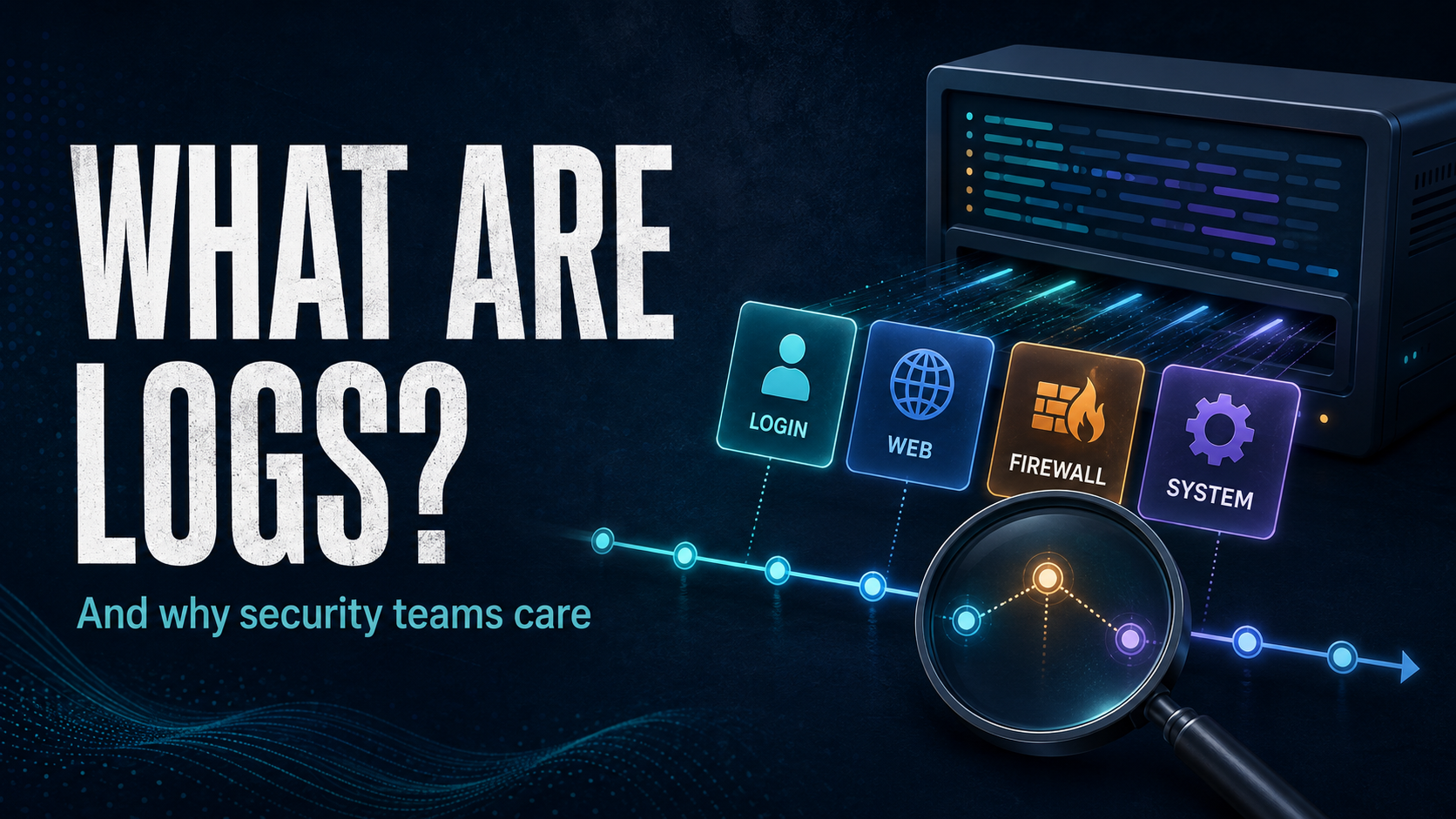
Different Systems Produce Different Logs
Authentication Logs
These can record events related to authentication, such as successful or failed login attempts.
They may help identify unusual account activity.
Web Server Logs
Web servers can record requests made to websites.
Depending on configuration, records might contain information such as requested resources, timestamps, client addresses, HTTP methods, status codes, and user-agent information.
Firewall Logs
Firewalls may record permitted or blocked network traffic.
These records can help analysts understand network activity.
Application Logs
Applications often generate their own logs.
These may record errors, transactions, authentication events, API activity, or other application-specific events.
Operating System Logs
Operating systems generate records covering a wide range of system activity.
Exactly what is recorded depends on the operating system and configuration.
Why Security Teams Need Logs
NIST identifies several uses for log management, including helping organizations identify and investigate cybersecurity incidents and find operational issues. NIST Computer Security Resource Center
Imagine investigating suspicious account activity without logs.
You might know something happened, but have little evidence showing when it occurred or what happened around it.
Logs can help answer questions such as:
When did the event occur?
Which account was involved?
Which system generated the activity?
What happened before the event?
What happened afterward?
Were other systems affected?
Logs do not automatically answer every question.
They provide evidence that analysts can examine.
Logging Is Not the Same as Monitoring
These concepts are related but different.
Logging records events.
Monitoring involves observing or analyzing systems and data to identify conditions of interest.
A system could generate enormous quantities of logs that nobody reviews.
That is why organizations build processes and technologies around log management.
NIST describes log management as including the generation, transmission, storage, access, and disposal of log data. NIST Computer Security Resource Center
The goal is not simply:
Collect everything forever.
Organizations need to decide what is useful, how it should be protected, how long it should be retained, and how analysts can access it.
Logs Need Protection Too
Logs themselves can contain sensitive information.
They can also become valuable evidence.
That means organizations should consider controls around:
Access
Integrity
Storage
Transmission
Retention
Disposal
If an attacker can freely modify the records used to investigate activity, the value of those records can be undermined.
Your Home Lab Is a Great Place to Learn Logs
You do not need an enterprise SIEM to start learning.
If you have a Linux virtual machine, start examining the logs already generated by the system.
Ask questions.
What events are being recorded?
Which service created each record?
What changes when you log in?
What happens when authentication fails?
What gets recorded when a service starts?
This turns logs from abstract cybersecurity terminology into something tangible.
Do Not Start by Memorizing Log Formats
Different products generate different data.
Instead, practice identifying common pieces of information:
Timestamp
When did it happen?
Source
Where did the event originate?
Identity
Was an account, process, or device involved?
Action
What occurred?
Result
Did it succeed or fail?
Those questions transfer across many technologies.
Key Takeaway
Cybersecurity is partly about understanding what systems are doing.
Logs give us records of system and network events.
One event might mean very little.
Many related events, placed in context, can tell a much larger story.
When you begin learning defensive security, learn to read the evidence your systems already produce.
That is one of the best places to start.
Verified references
NIST SP 800-92: Guide to Computer Security Log Management
NIST Cybersecurity Log Management Planning Guide draft